
CAD symbol libraries
CAD symbols for industrial drawings
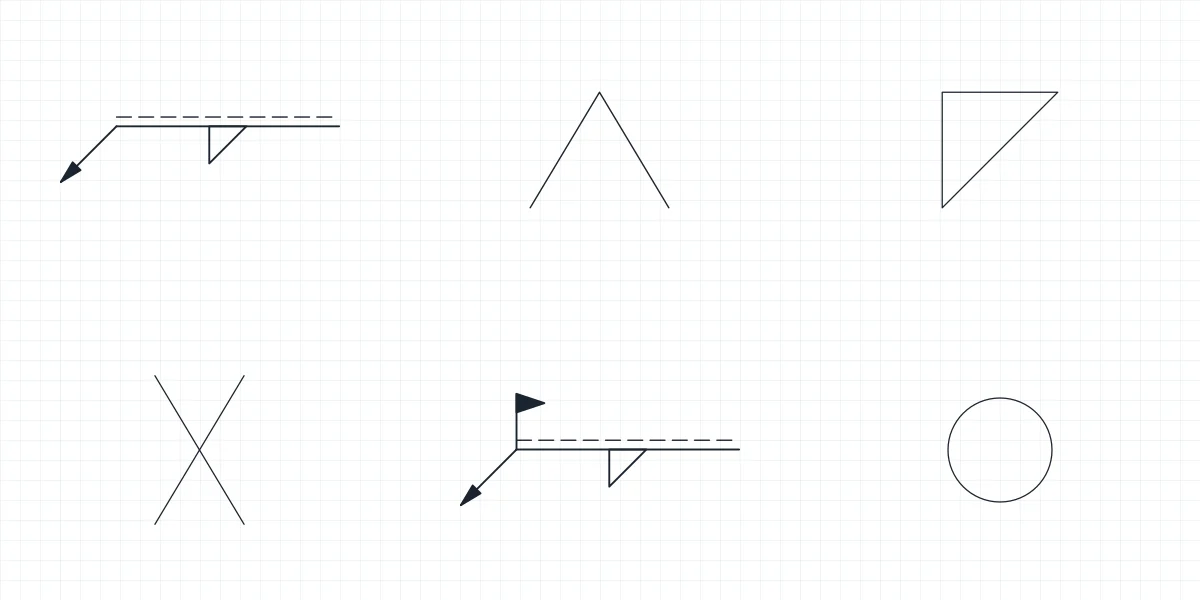
Welding, electrical schematic, hydraulic, pneumatic and P&ID symbols drawn after the ISO and IEC conventions, and industrial equipment from valves to cranes drawn in plan and elevation. Every symbol and every size is its own block in the DWG and DXF, and each symbol library has a PDF sheet to print.
-
One block per symbol
Open the file and every symbol is already a block with a readable name, so you insert a check valve or a fillet weld by name instead of copying it from a sample drawing.
-
Drawn to the convention
The shapes follow the published conventions for each discipline: ISO 2553 for welding, IEC 60617 for schematics, ISO 1219 for fluid power and ISO 10628 with ISA-5.1 bubbles for P&ID.
-
DWG, DXF and a PDF sheet
The DWG is saved for AutoCAD 2010 and later, the DXF opens in almost any CAD program, and the PDF lists every symbol with its name for quick reference on paper.
CAD symbol libraries by discipline
Welding, electrical schematics, hydraulics, pneumatics and P&ID, each one a set of named blocks you insert by name.
Industrial equipment CAD blocks by category
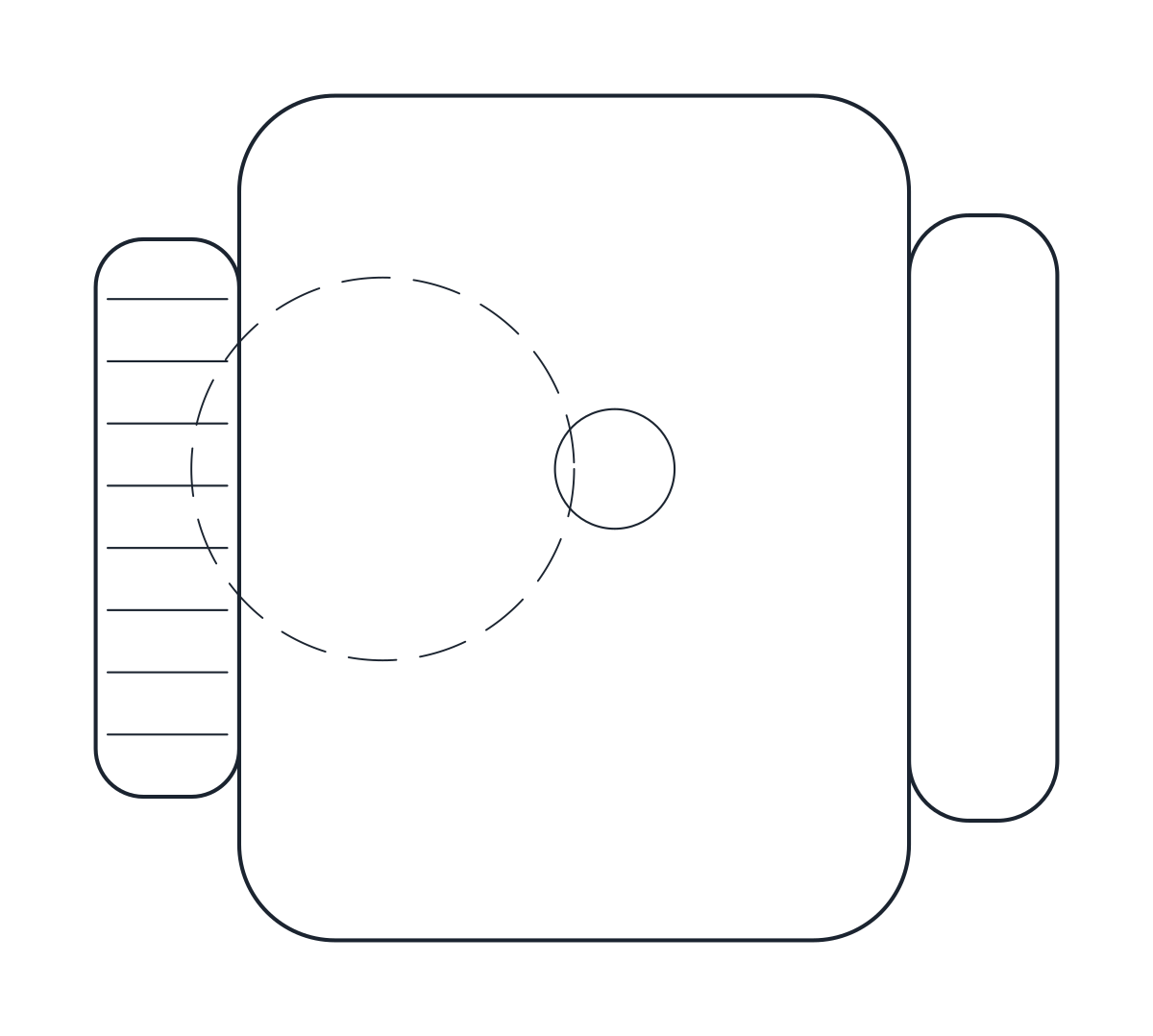
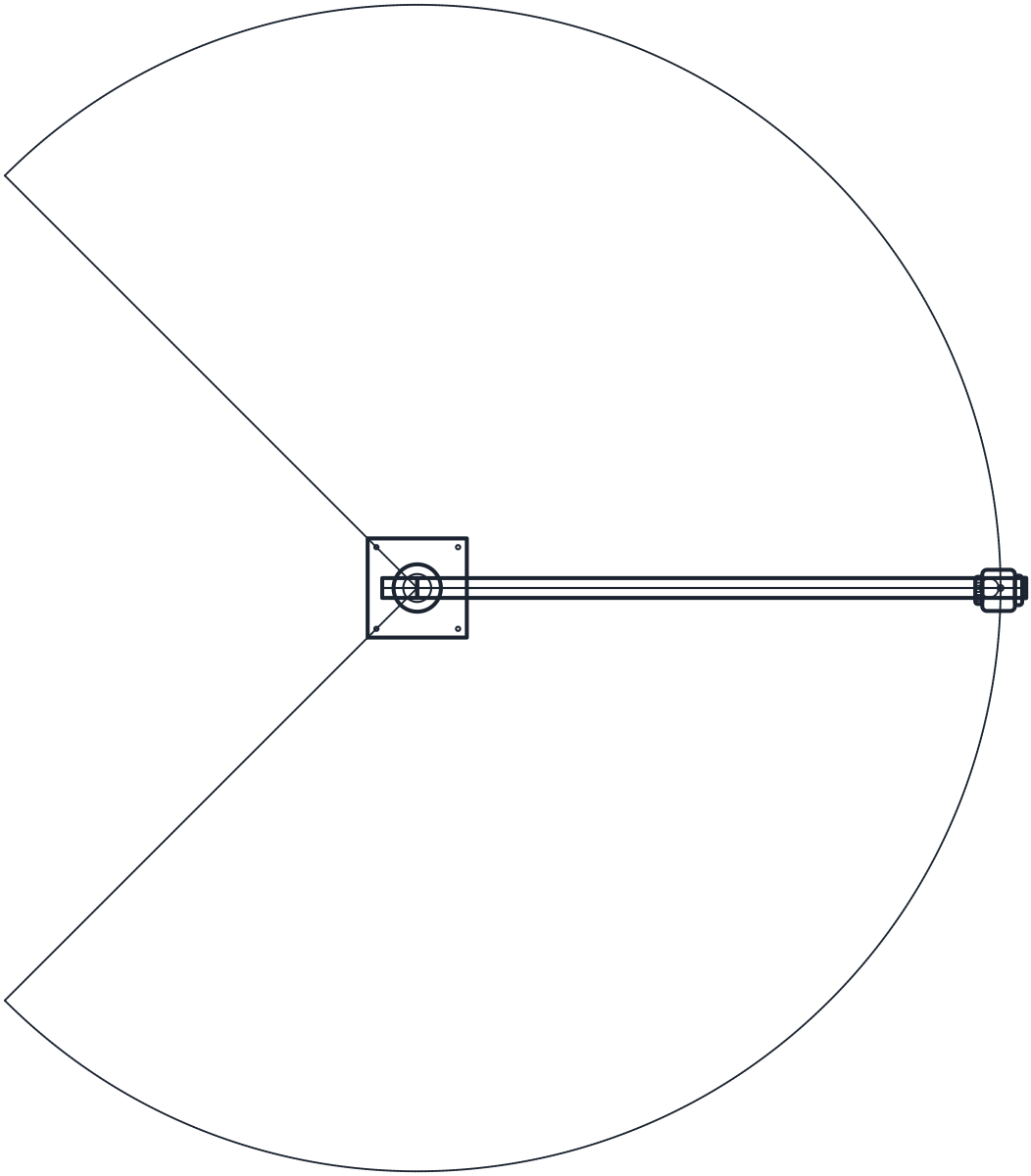
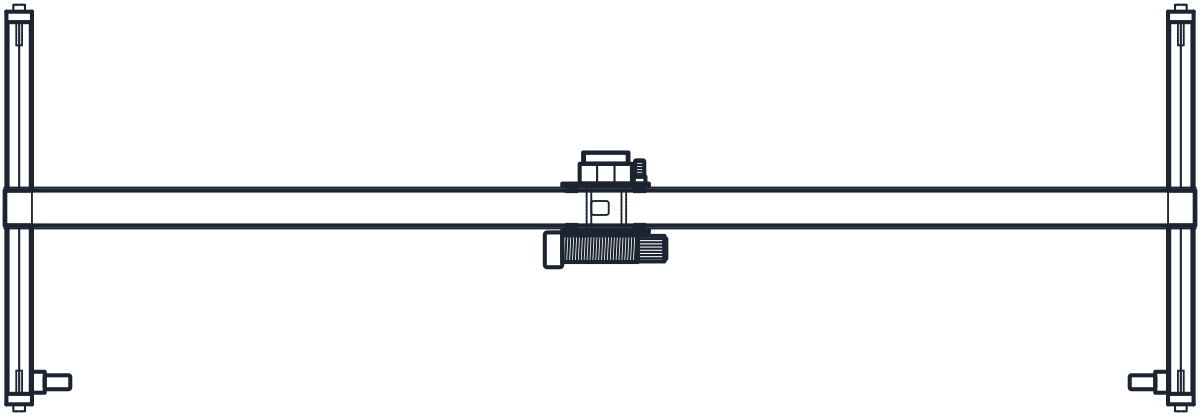
Valves, pumps, tanks, motors, conveyors, racking and cranes, each drawn in plan and elevation in millimetres, in DWG and DXF.
All CAD symbol libraries and equipment blocks
431 blocks on 62 pages, in DWG and DXF, with a printable PDF sheet for every symbol library.
-
 Lifting Hoist CAD Block
-
 Lifting Jib Crane CAD Block
-
 Lifting Gantry Crane CAD Block
-
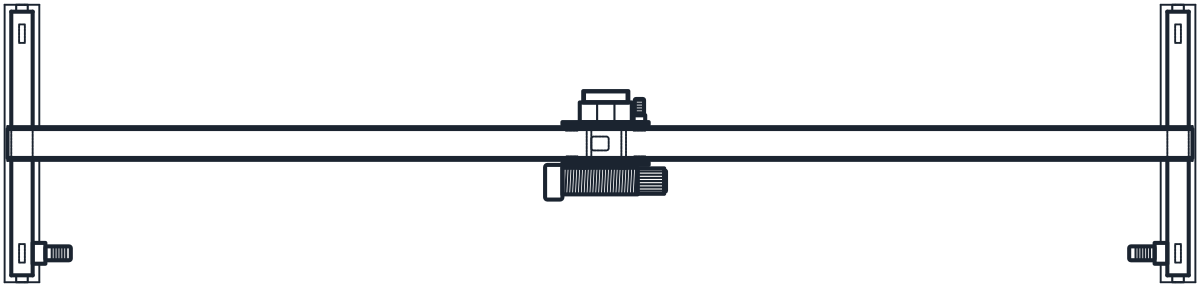 Lifting Overhead Crane CAD Block
-
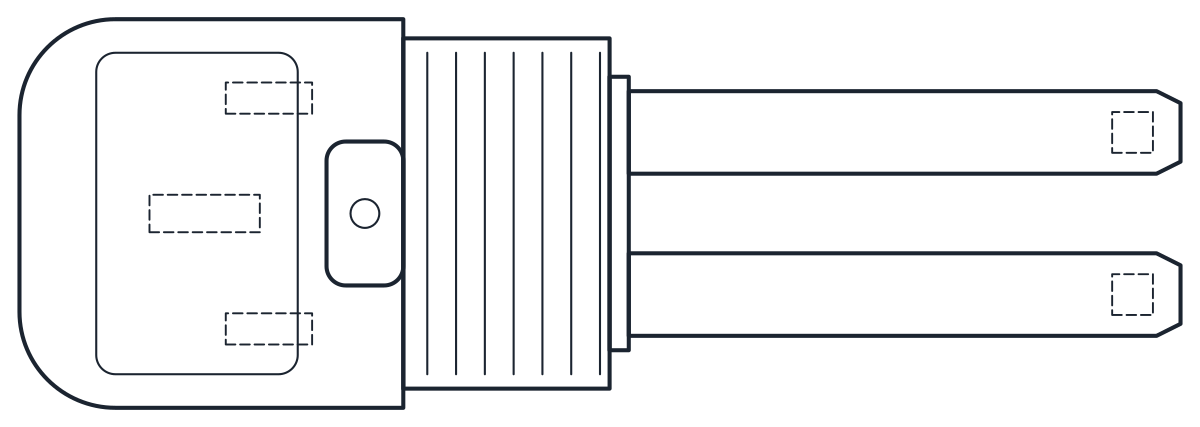 Lifting Order Picker CAD Block
-
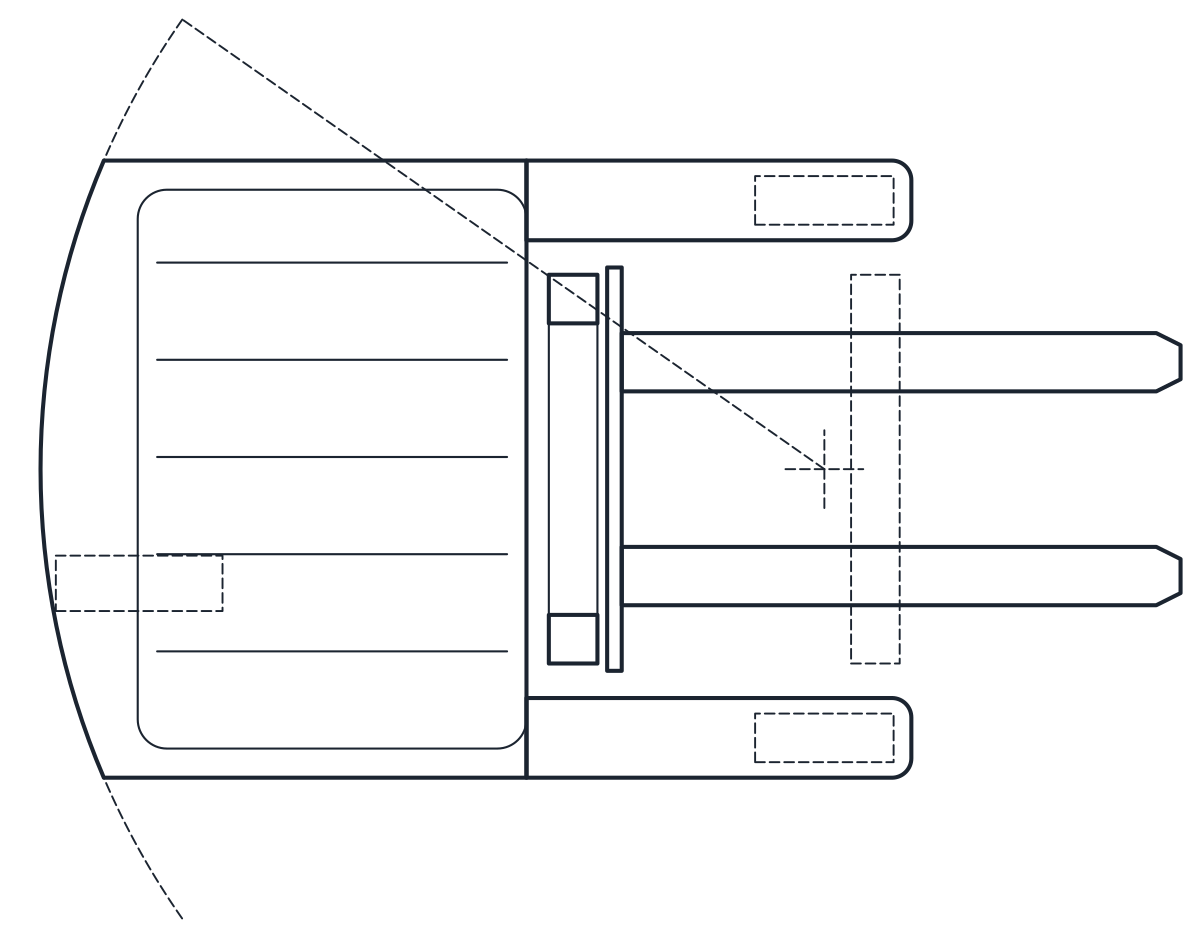 Lifting Reach Truck CAD Block
-
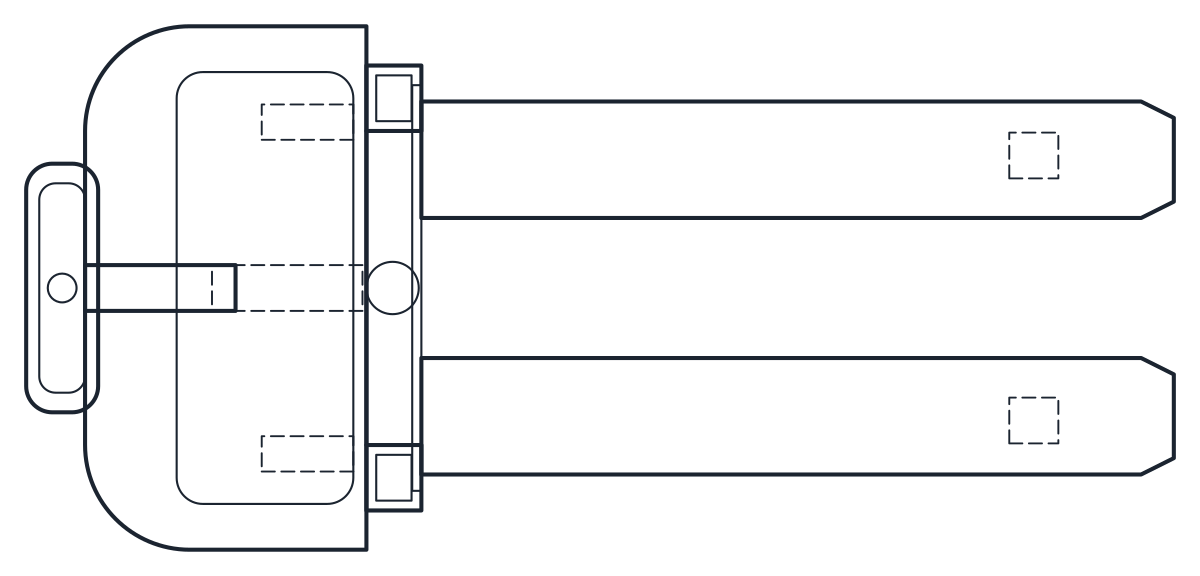 Lifting Electric Stacker CAD Block
-
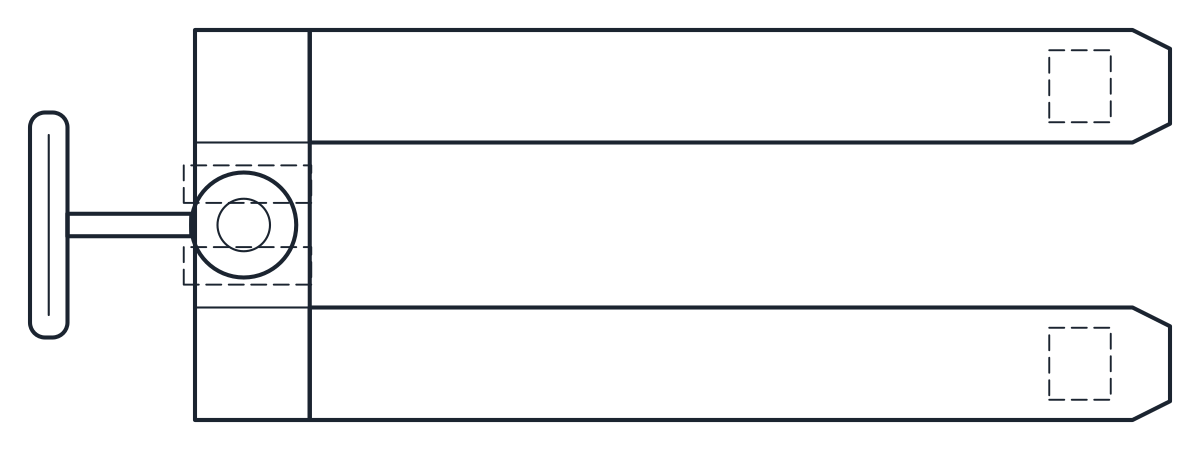 Lifting Pallet Jack CAD Block
-
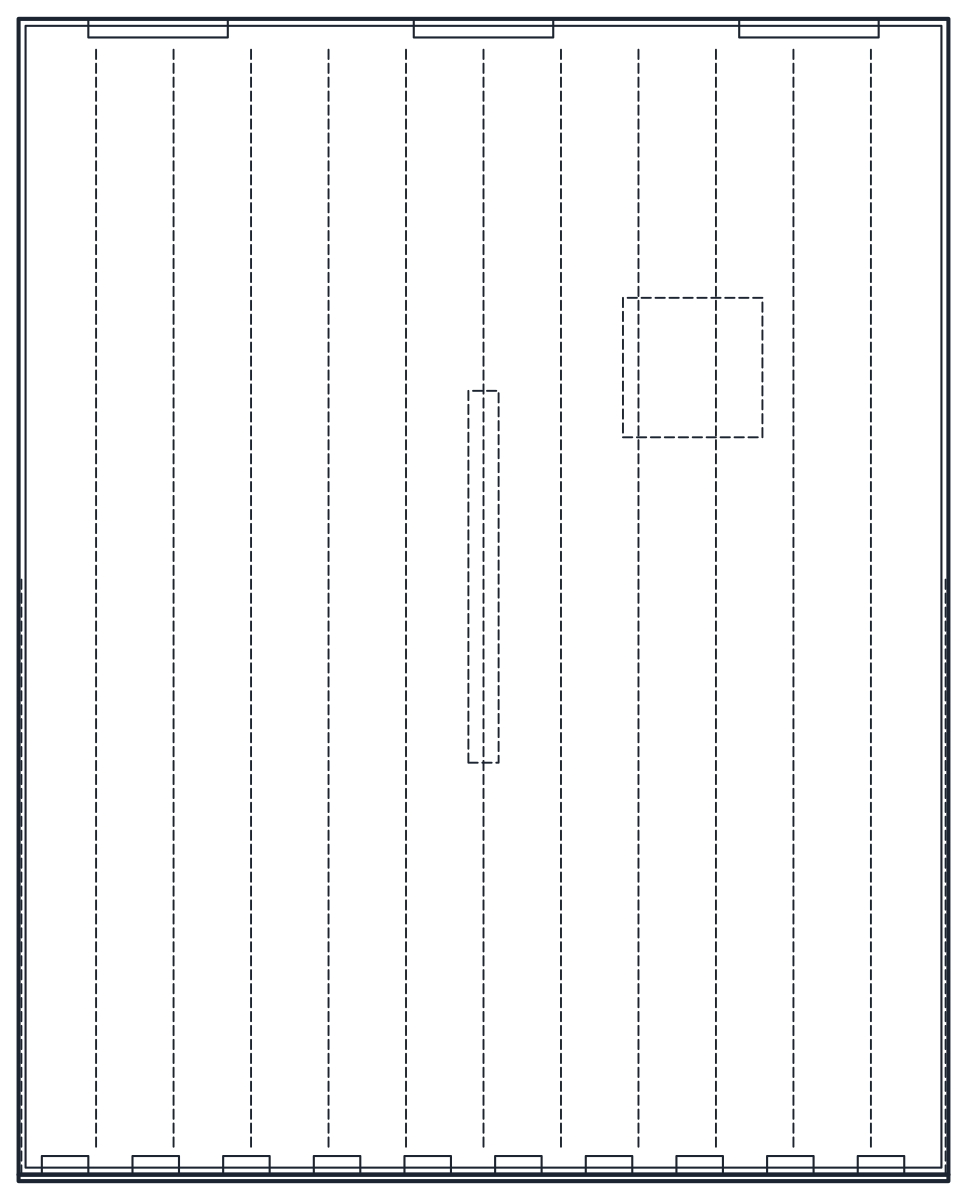 Storage Dock Leveler CAD Block
-
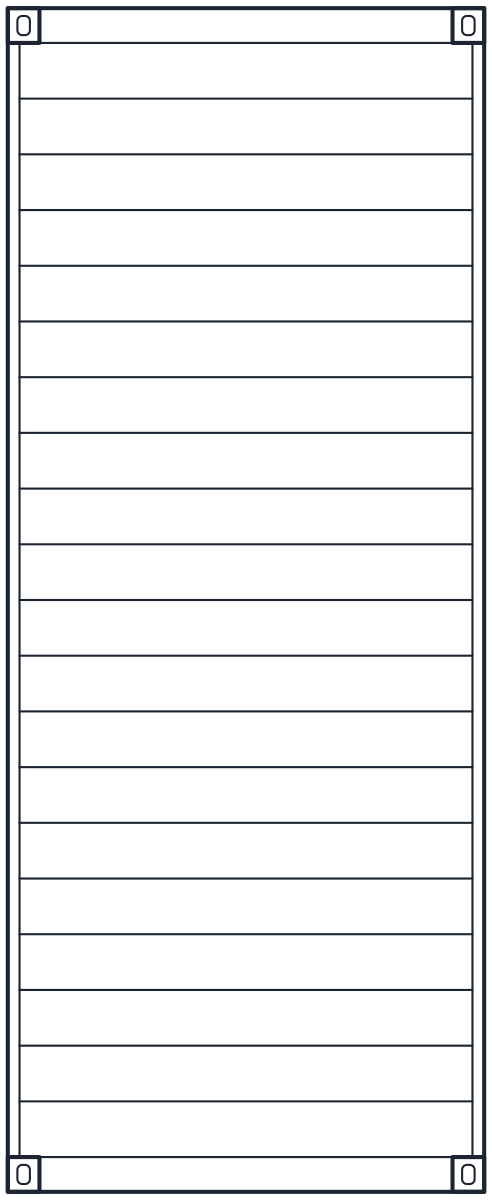 Storage Shipping Container CAD Block
-
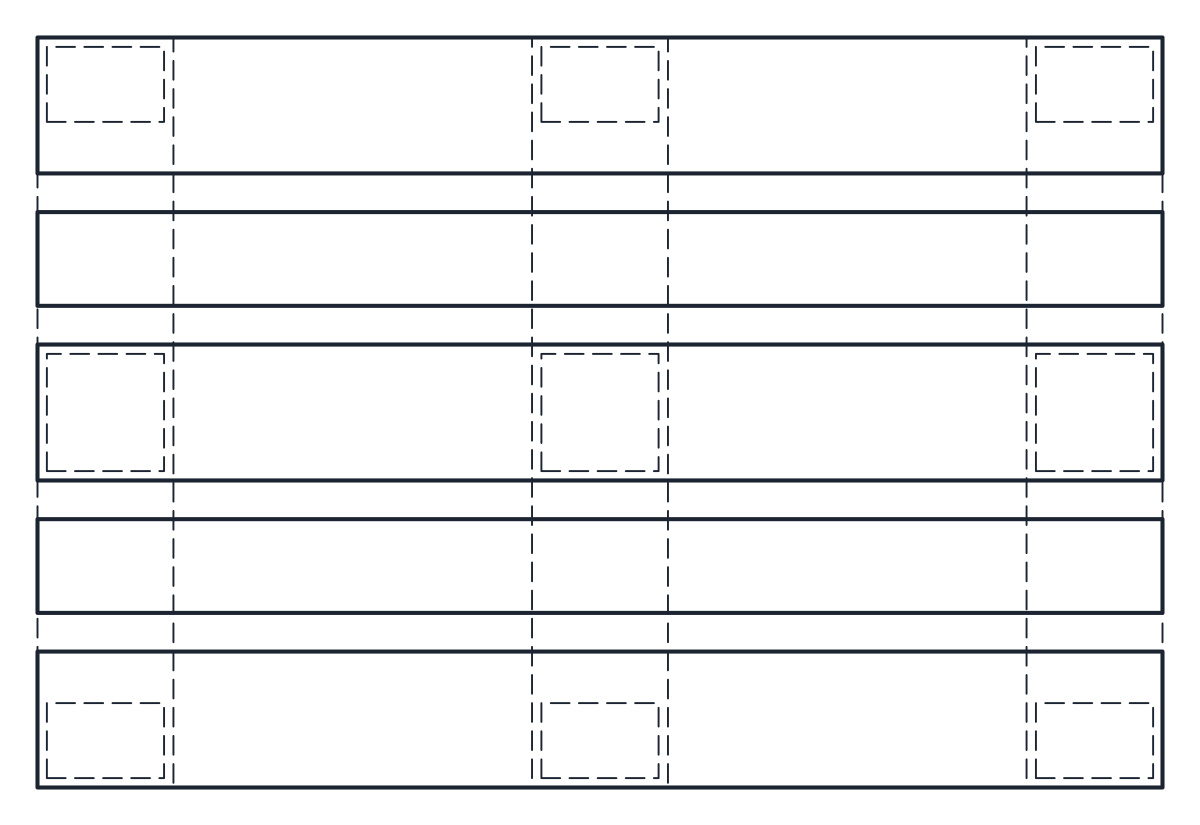 Storage Pallet CAD Block
-
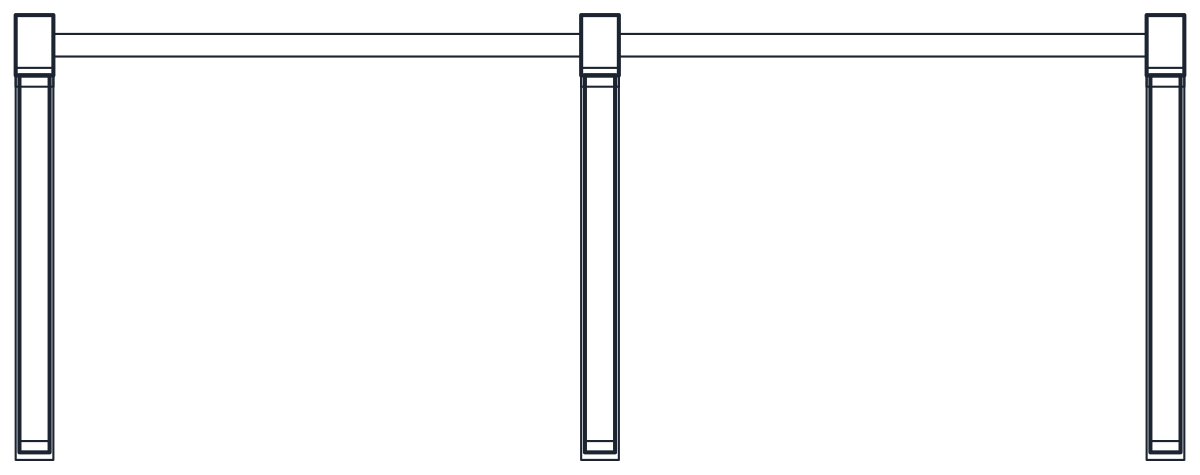 Storage Cantilever Rack CAD Block
-
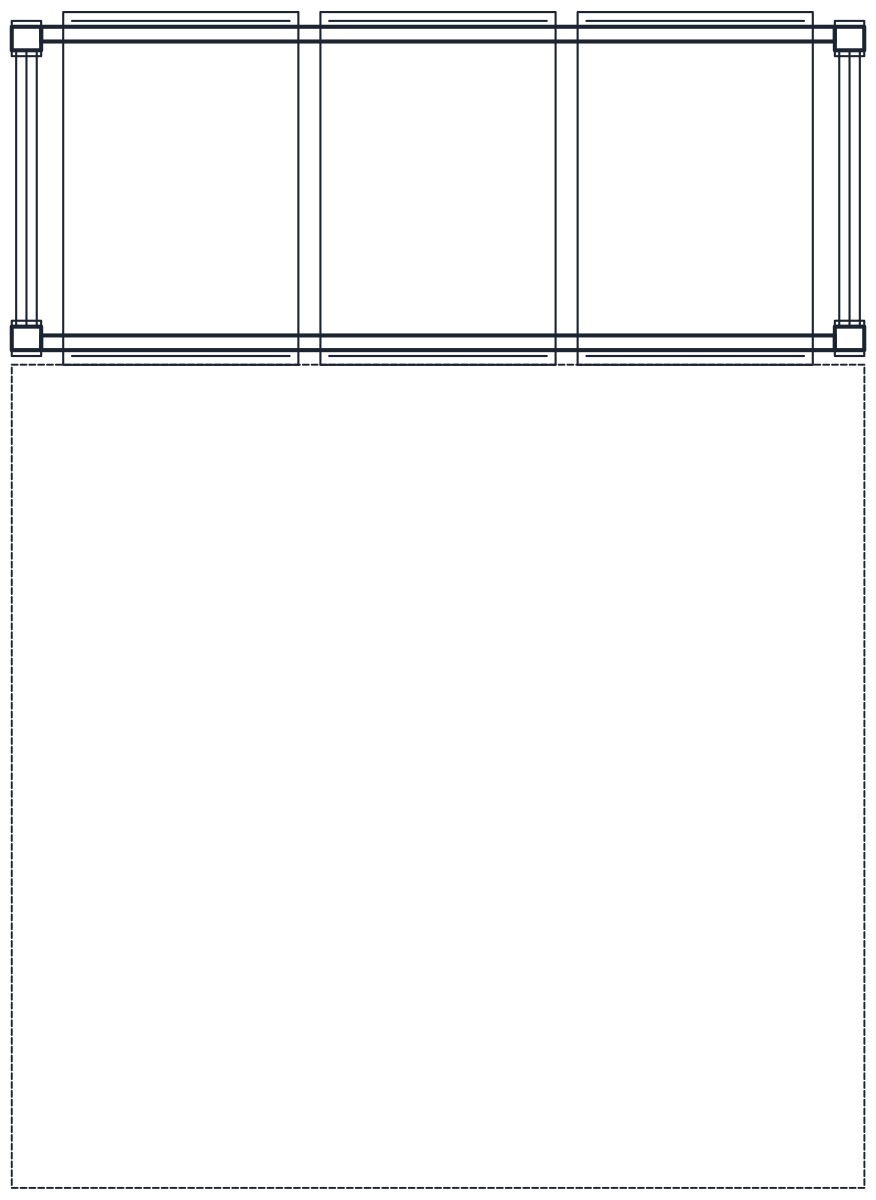 Storage Pallet Racking CAD Block
-
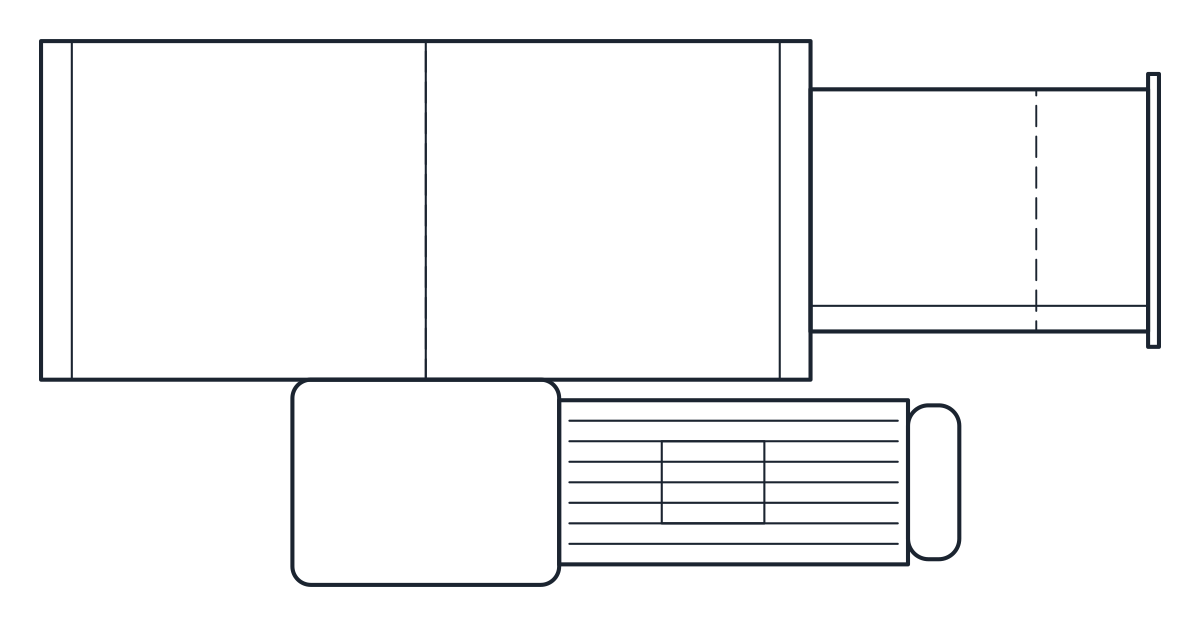 Conveyors Bucket Elevator CAD Block
-
 Conveyors Screw Conveyor CAD Block
-
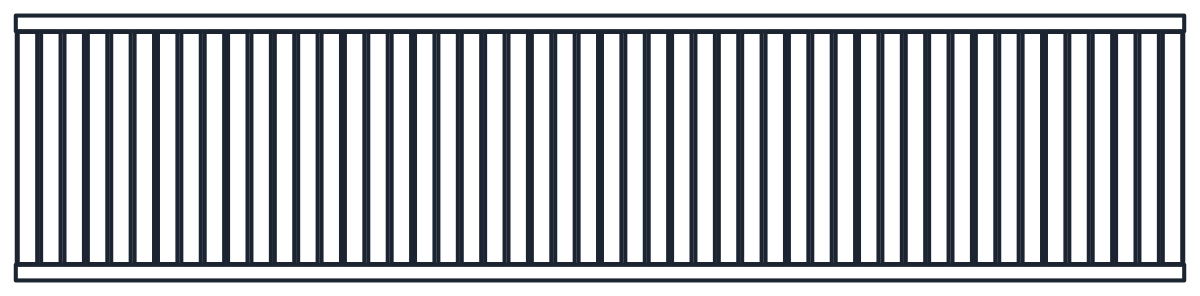 Conveyors Roller Conveyor CAD Block
-
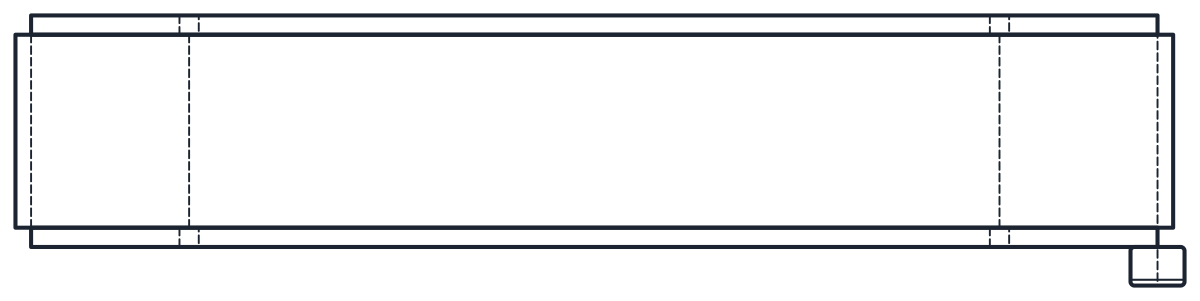 Conveyors Belt Conveyor CAD Block
-
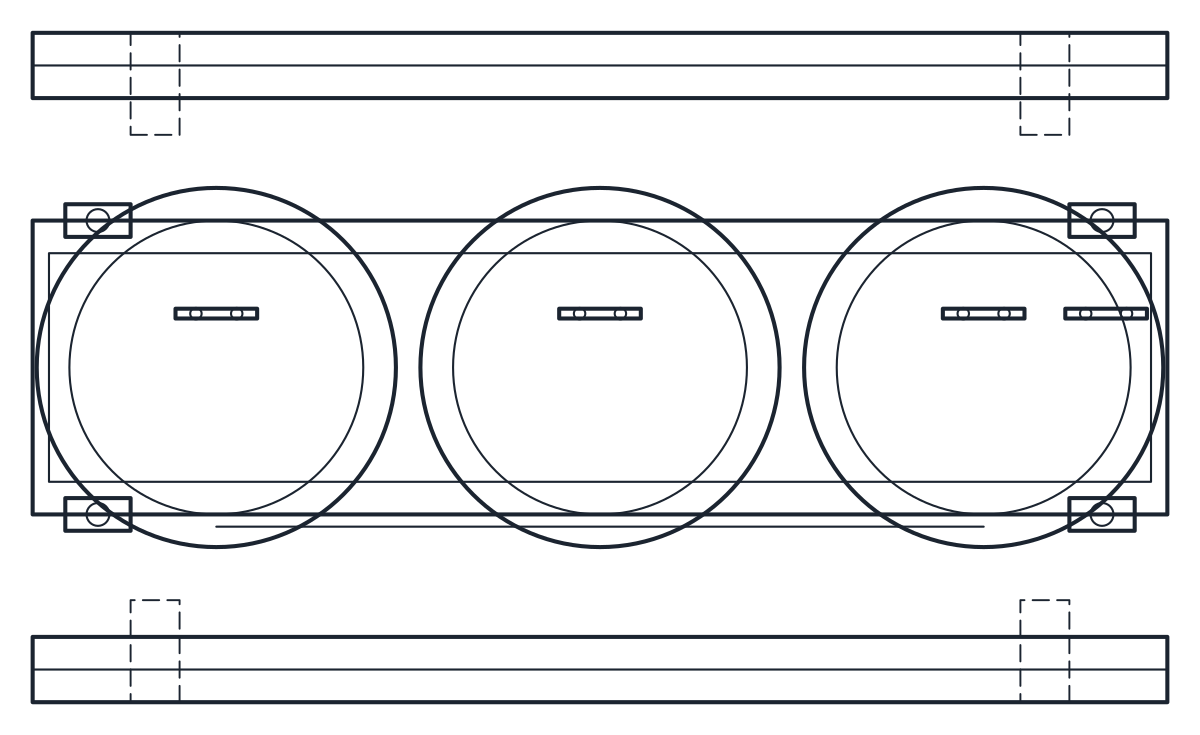 Motors Transformer CAD Block
-
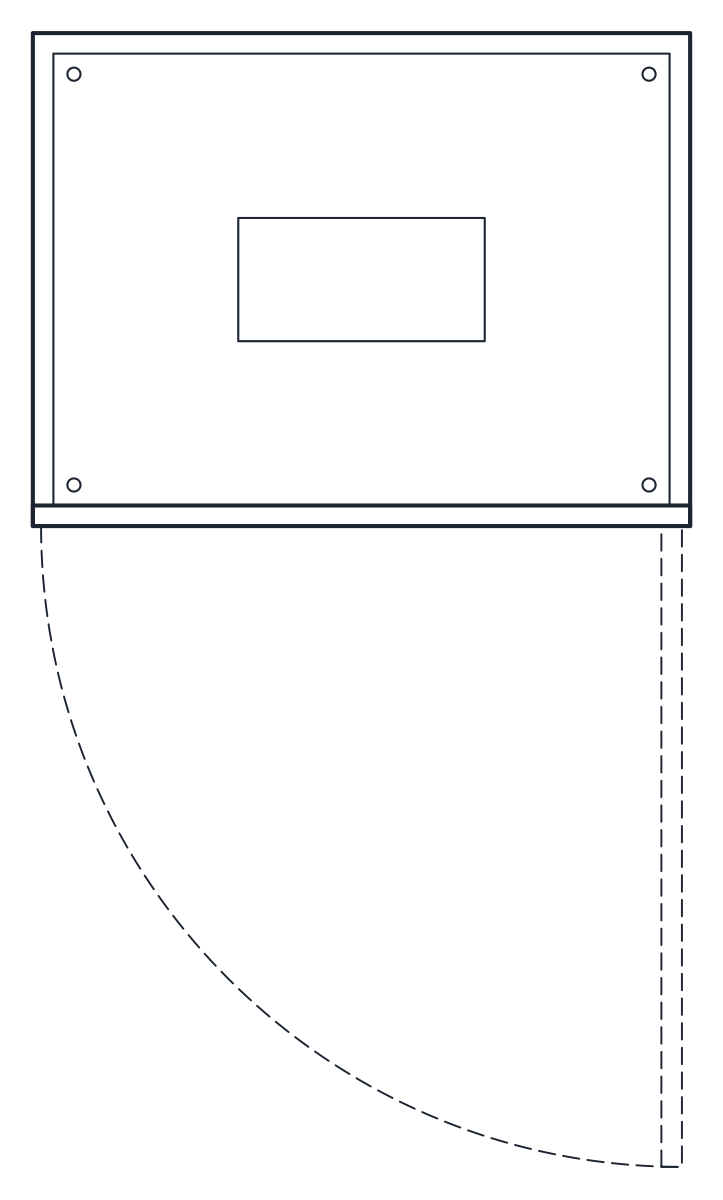 Motors Electrical Cabinet CAD Block
-
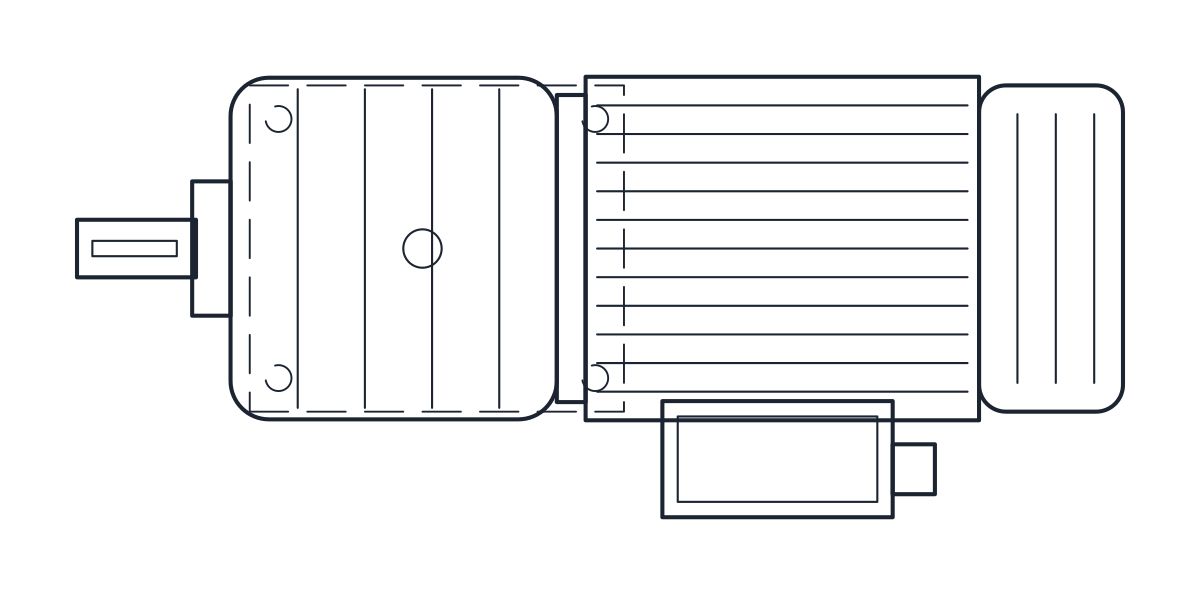 Motors Gearmotor CAD Block
-
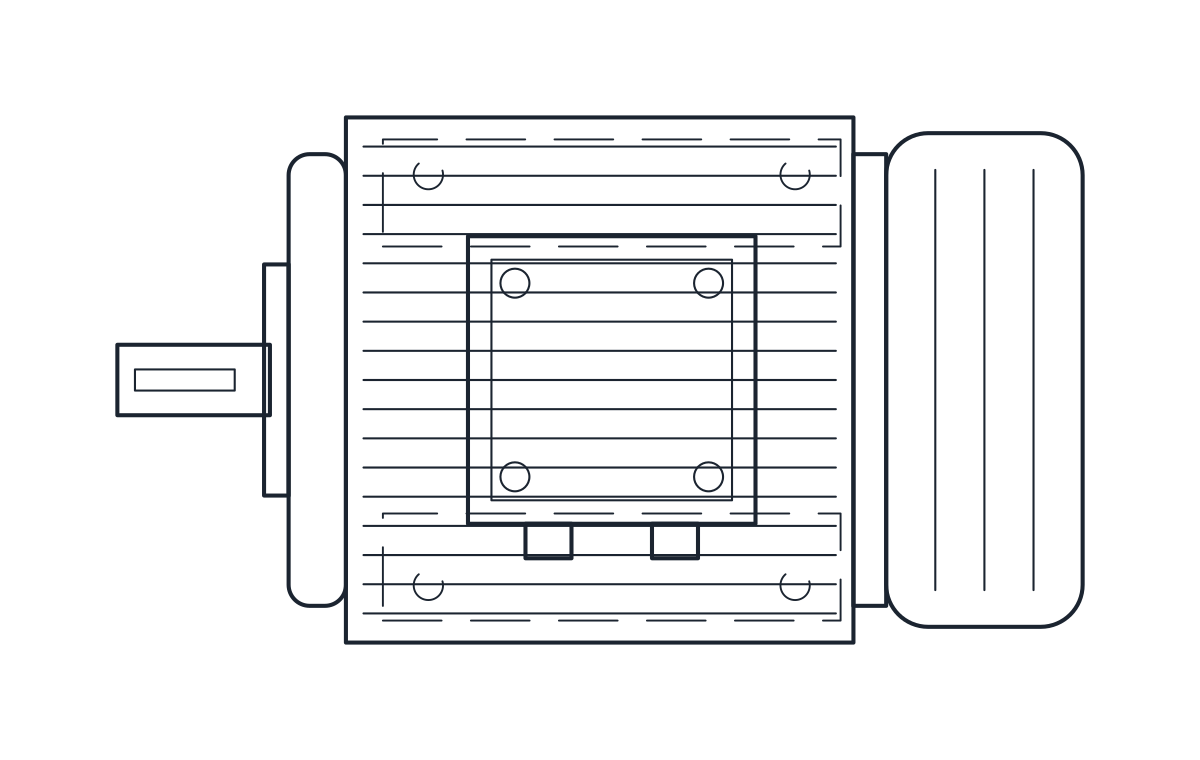 Motors Electric Motor CAD Block
-
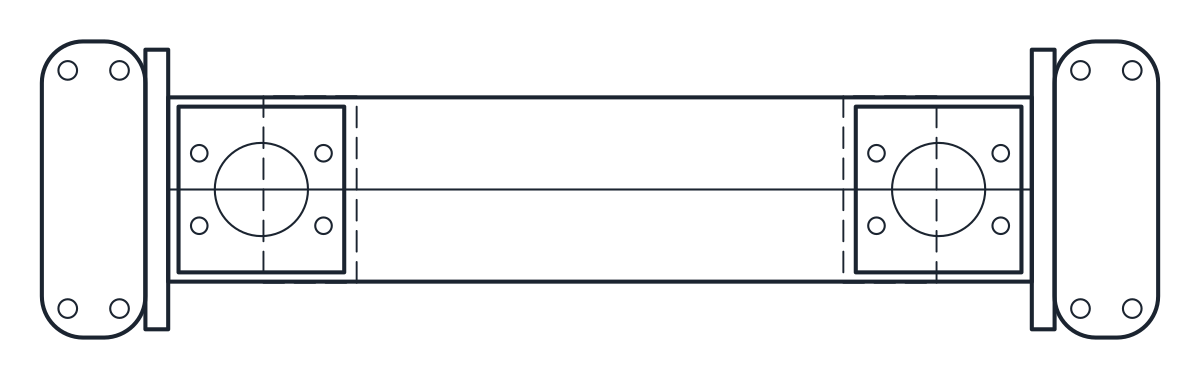 Tanks Heat Exchanger CAD Block
-
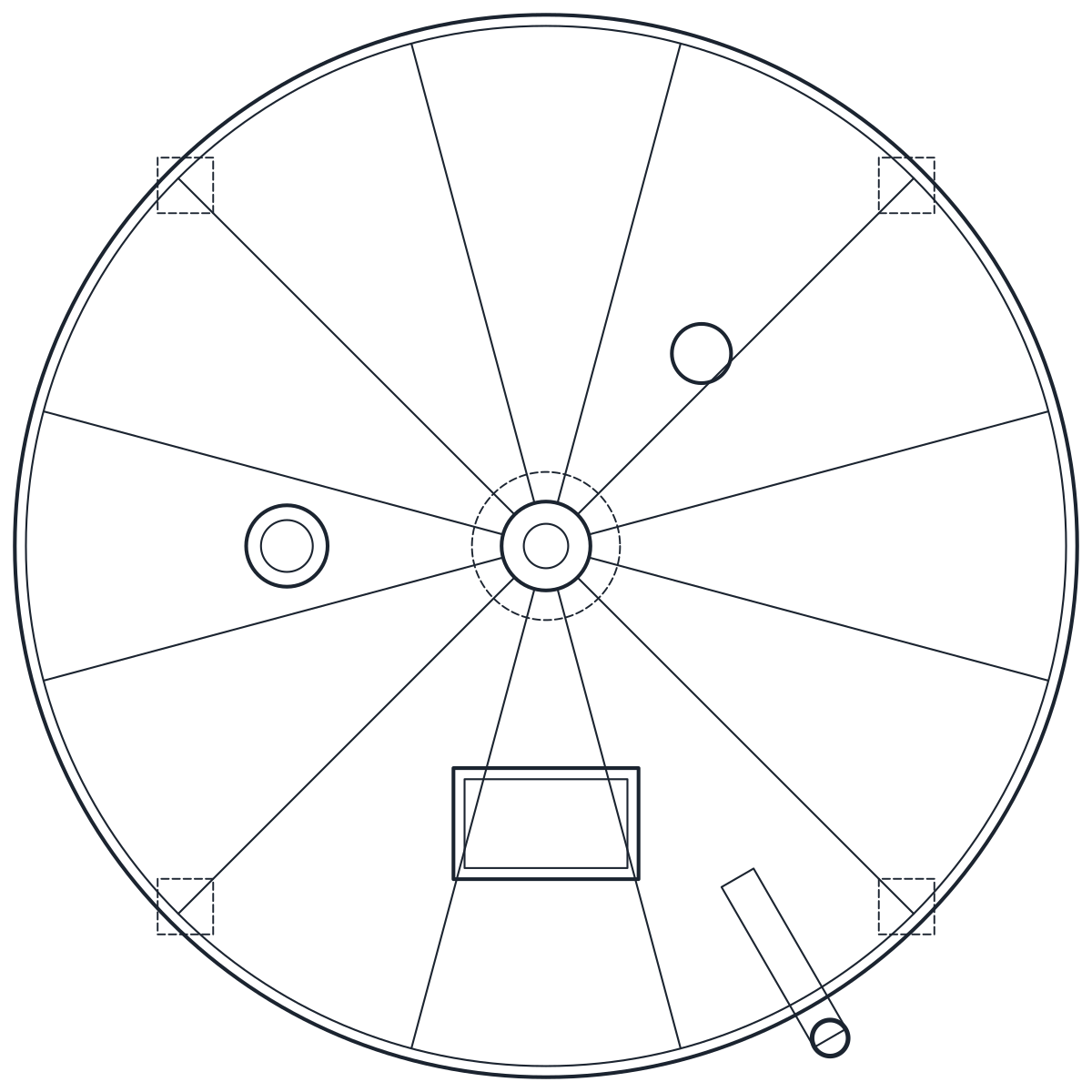 Tanks Silo CAD Block
-
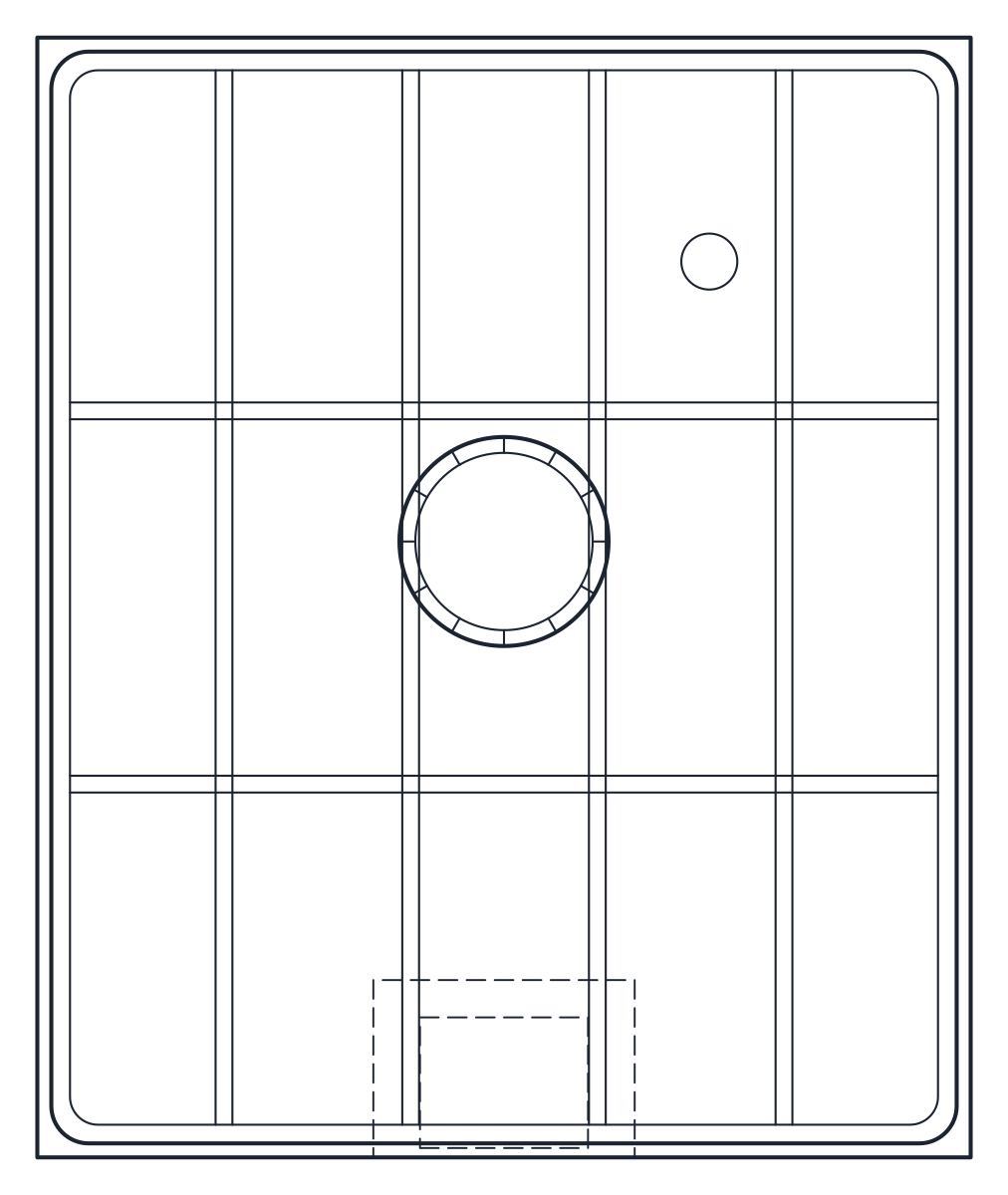 Tanks IBC Container CAD Block
-
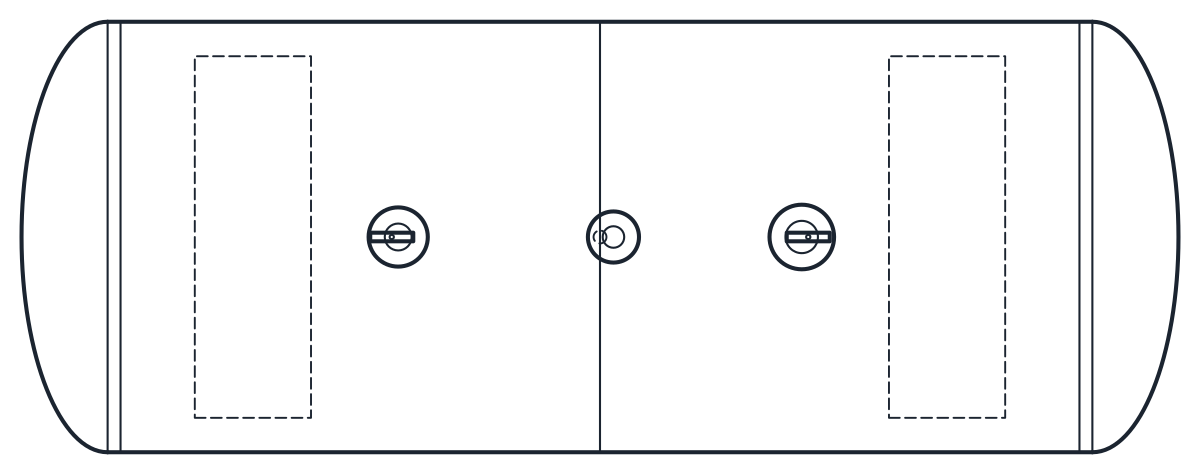 Tanks Pressure Vessel CAD Block
-
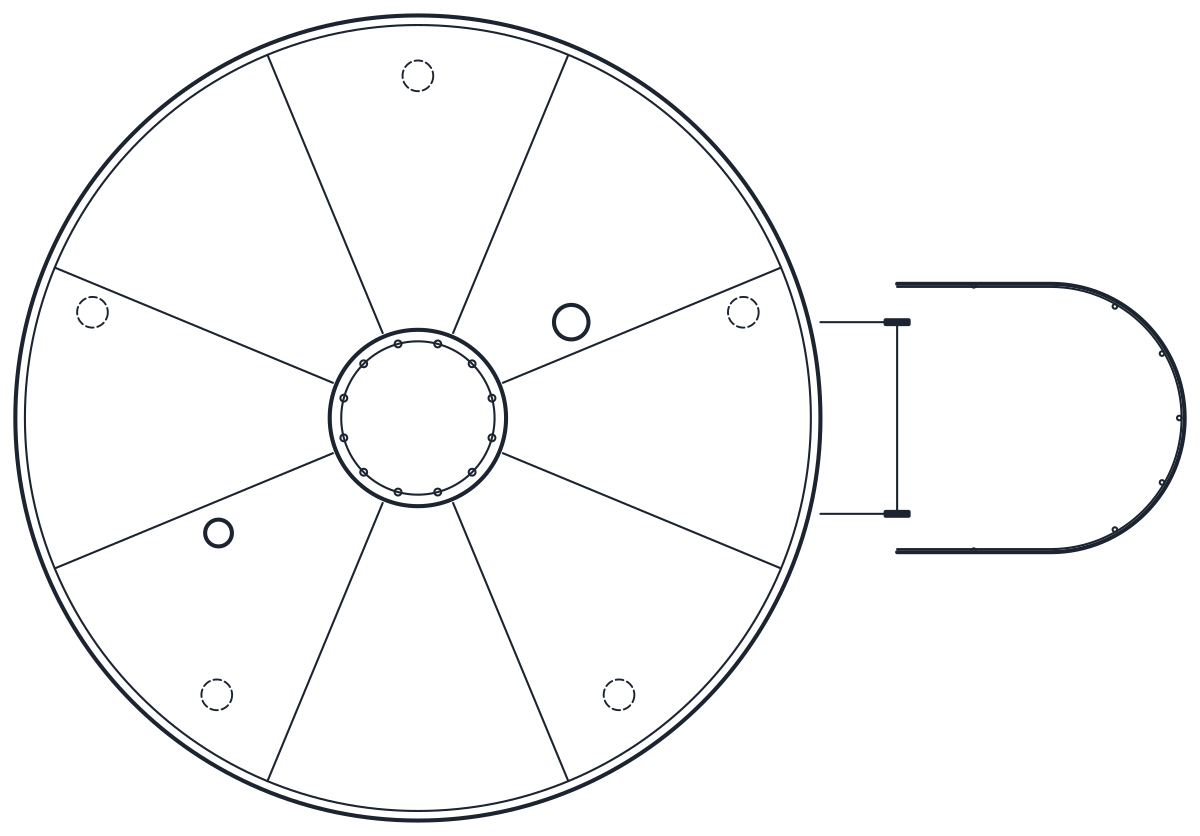 Tanks Storage Tank CAD Block
-
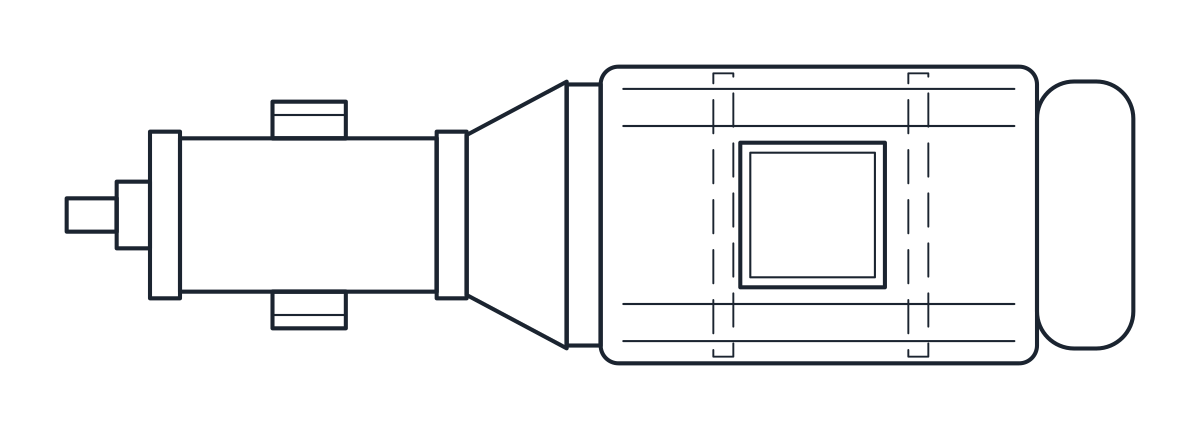 Pumps Gear Pump CAD Block
-
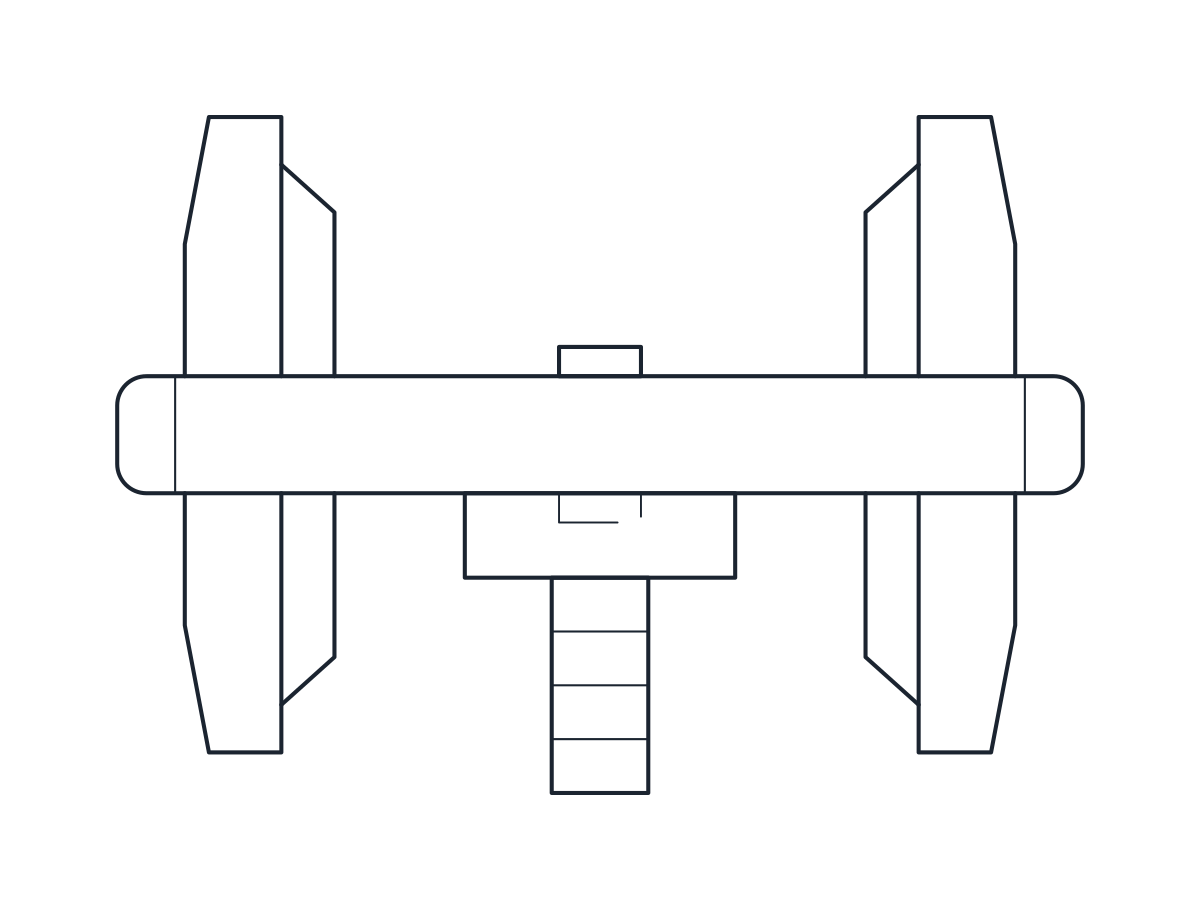 Pumps Diaphragm Pump CAD Block
-
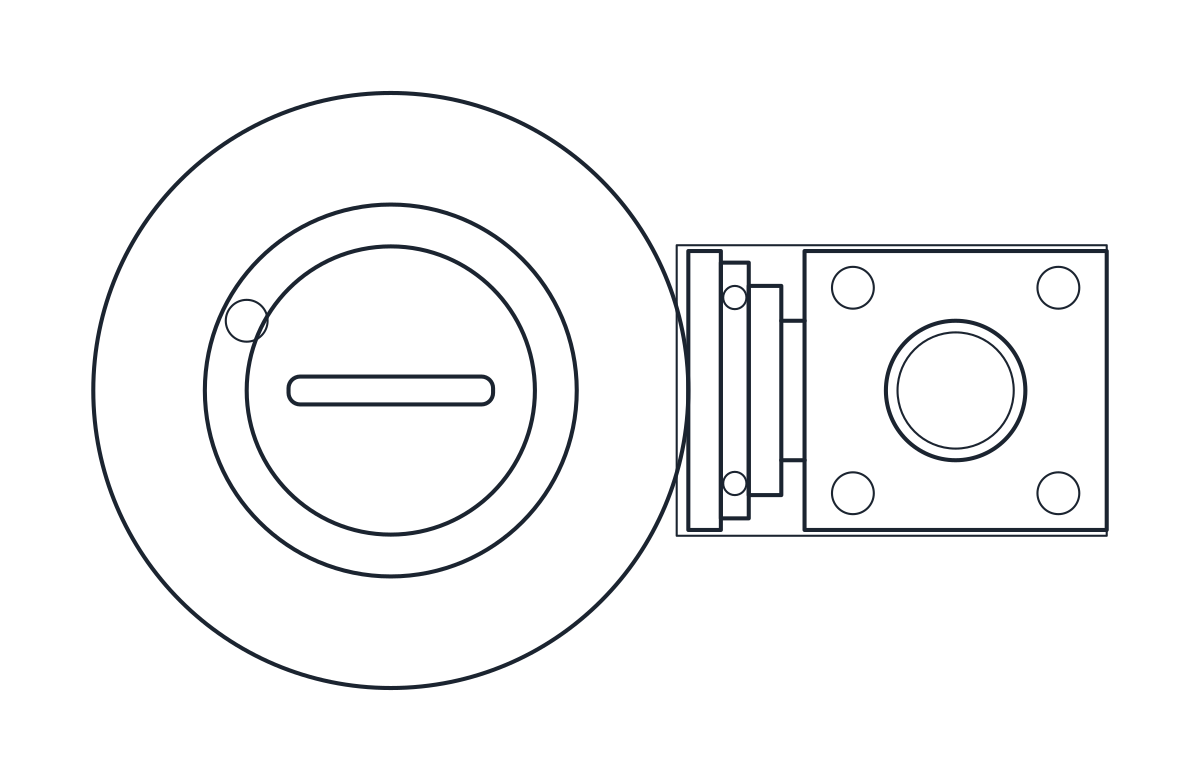 Pumps Submersible Pump CAD Block
-
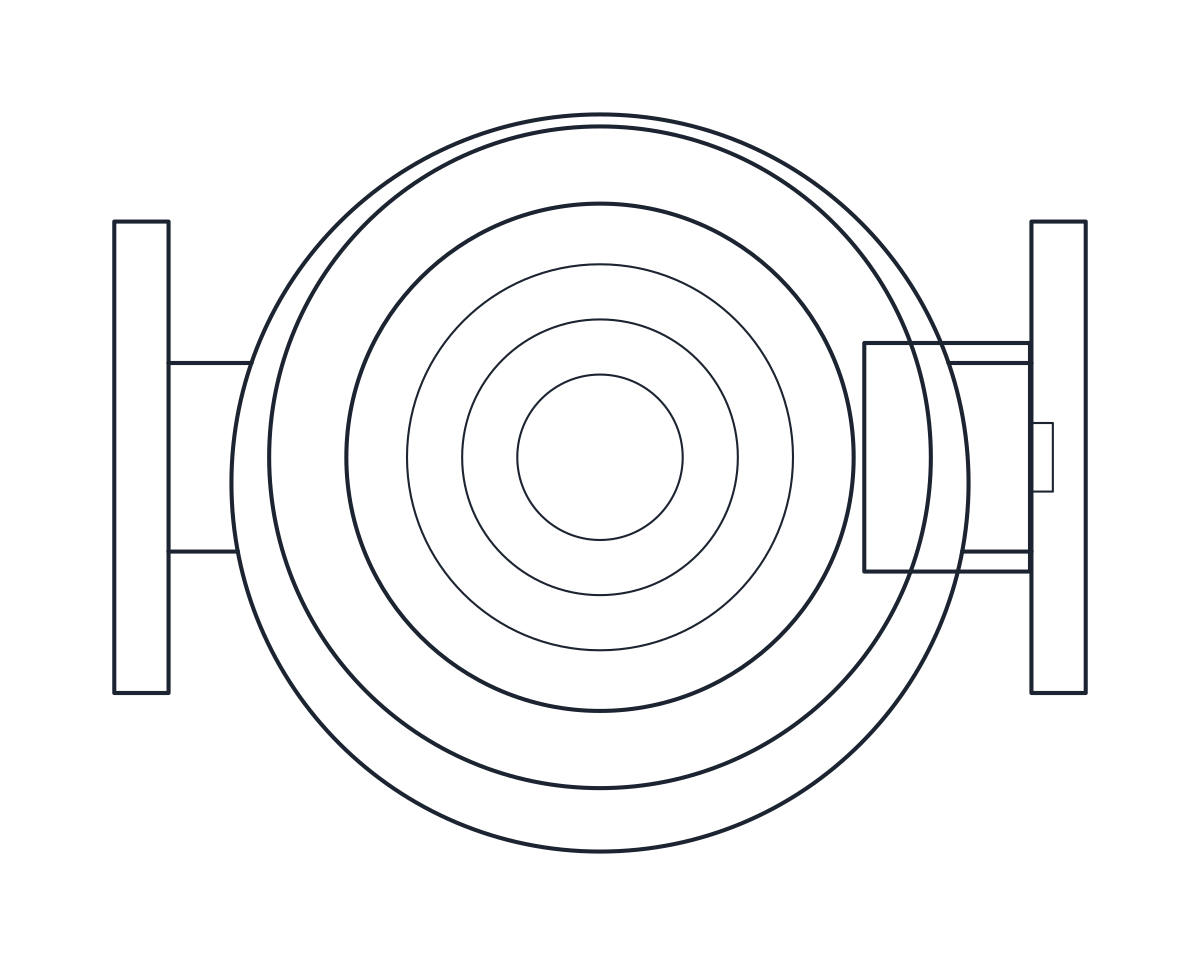 Pumps Inline Pump CAD Block
-
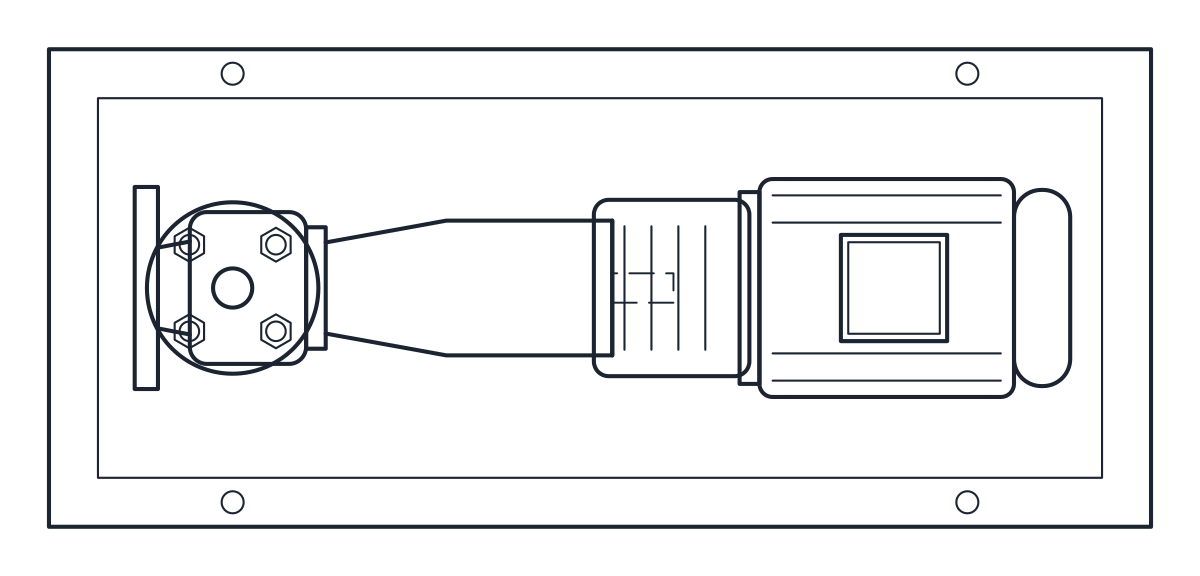 Pumps End Suction Pump CAD Block
-
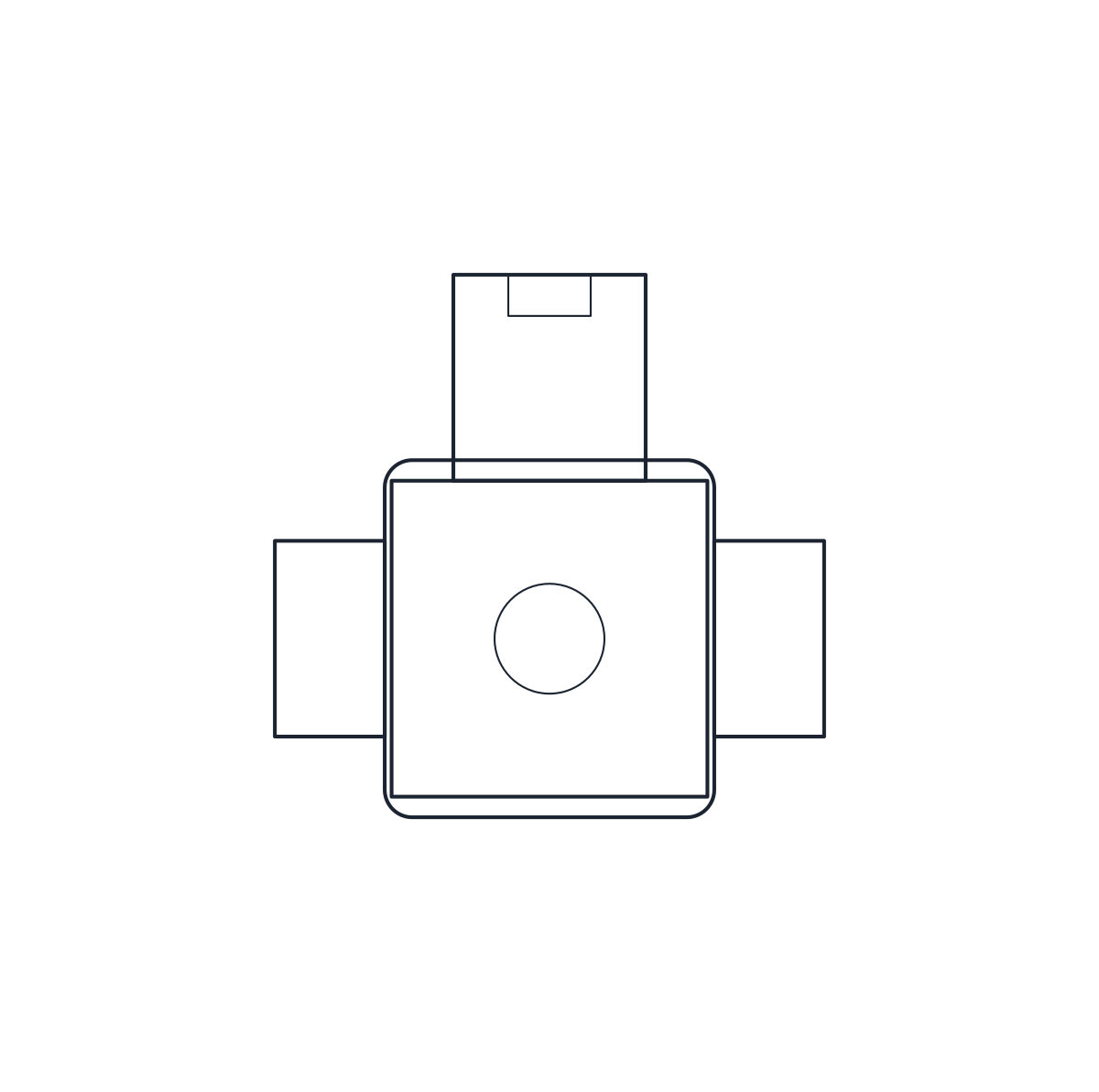 Valves Solenoid Valve CAD Block
-
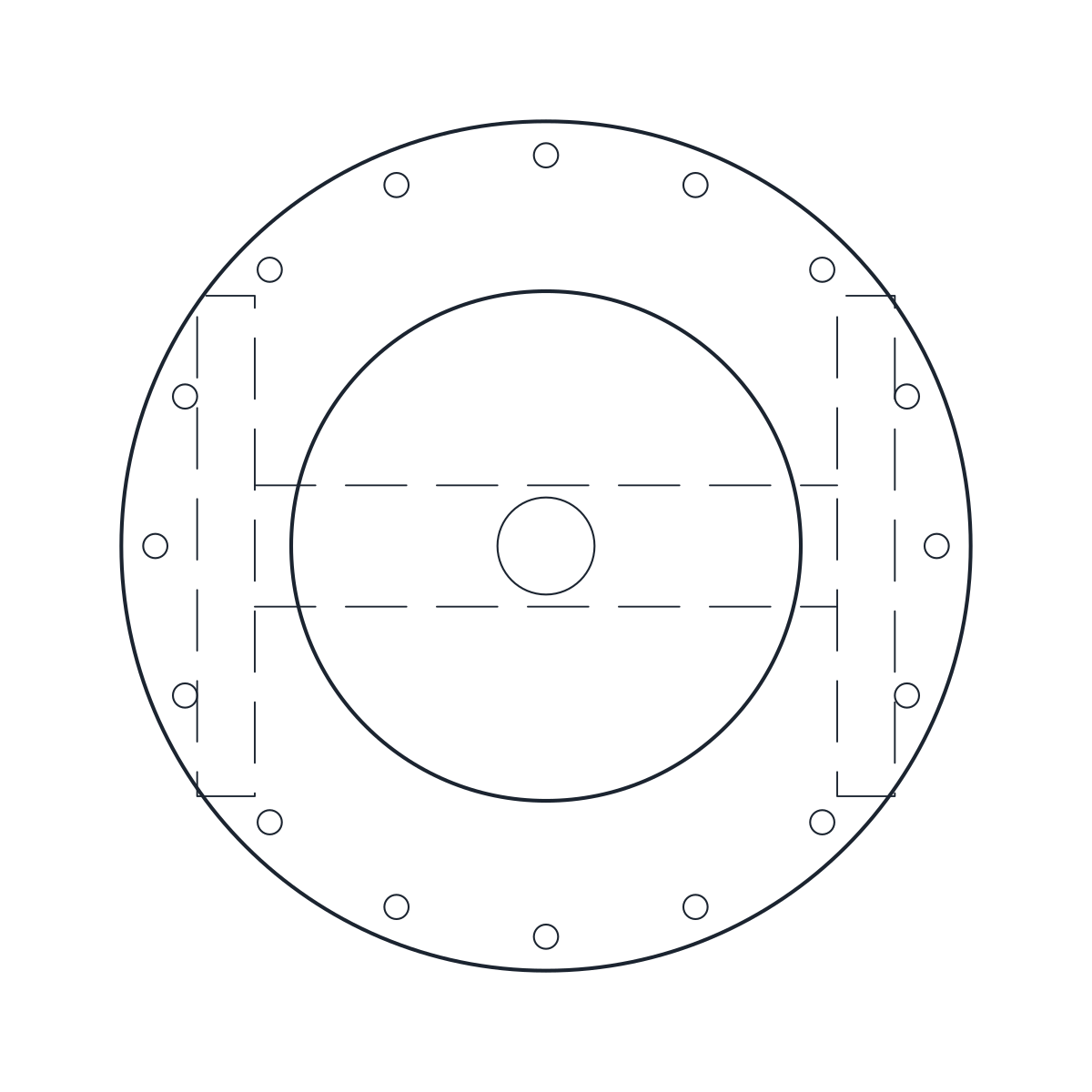 Valves Control Valve CAD Block
-
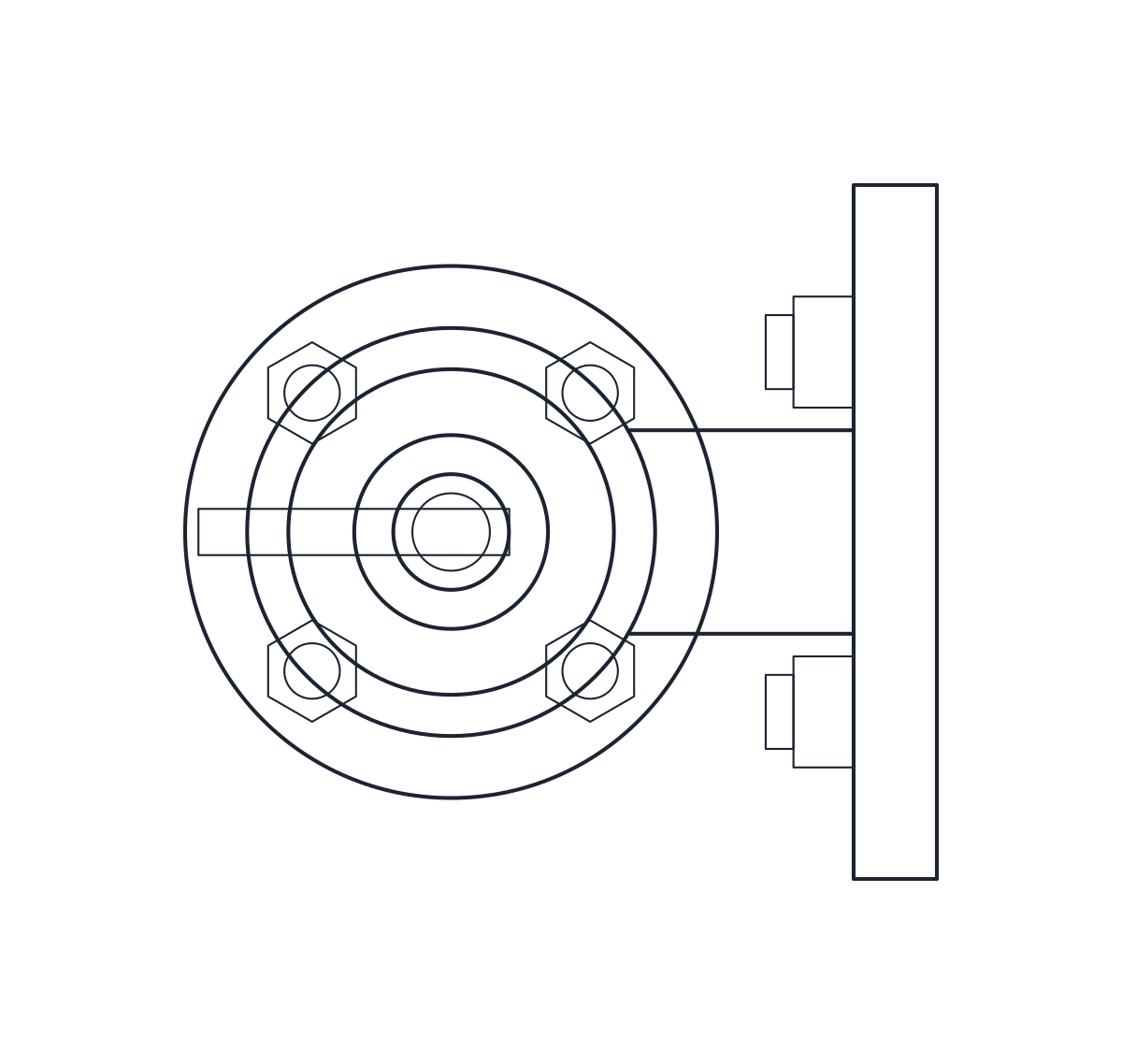 Valves Safety Valve CAD Block
-
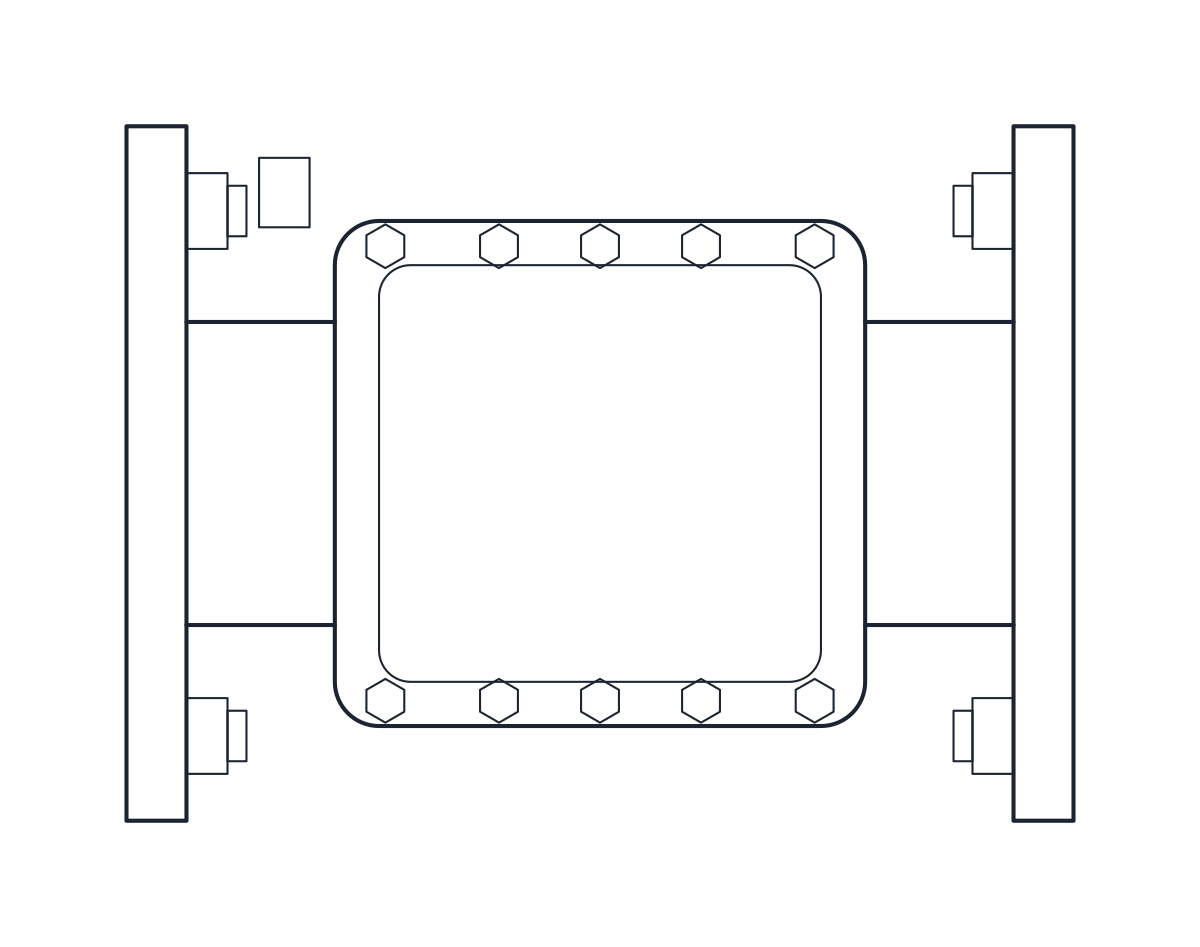 Valves Check Valve CAD Block
-
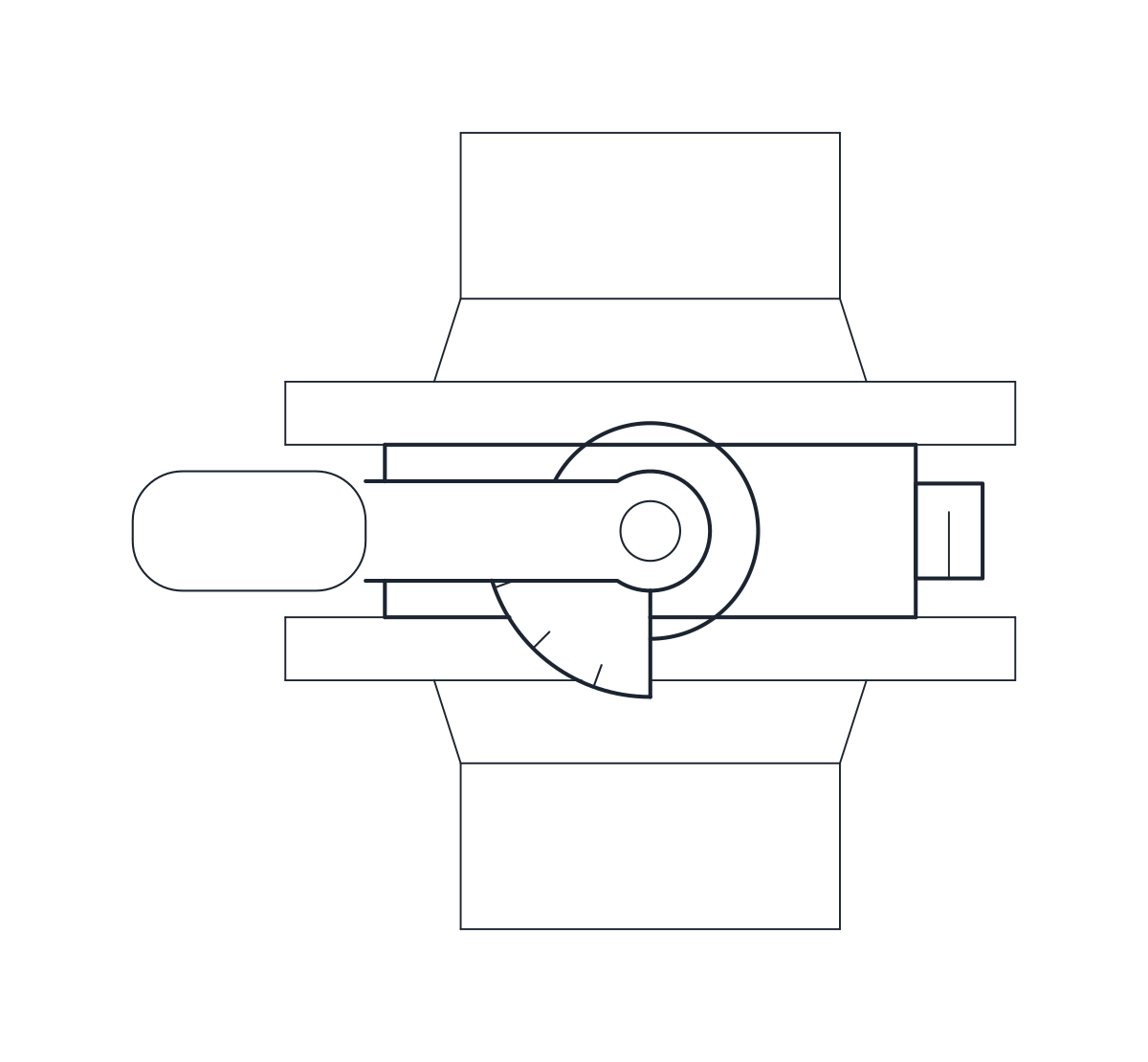 Valves Butterfly Valve CAD Block
-
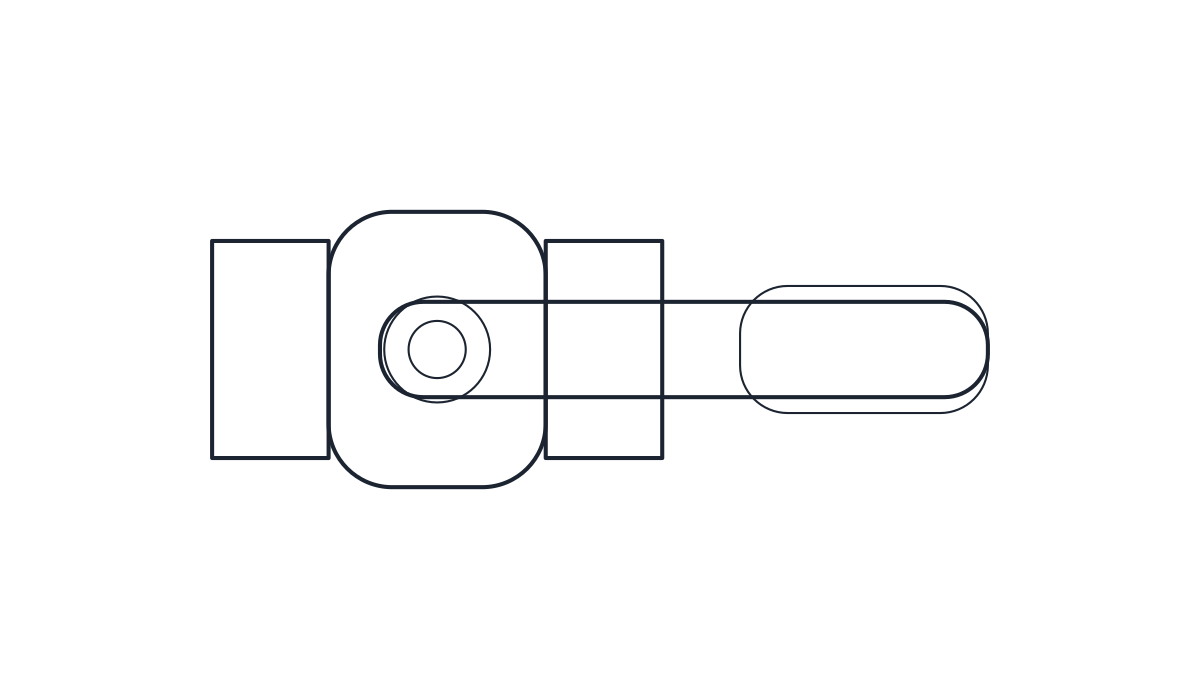 Valves Ball Valve CAD Block
-
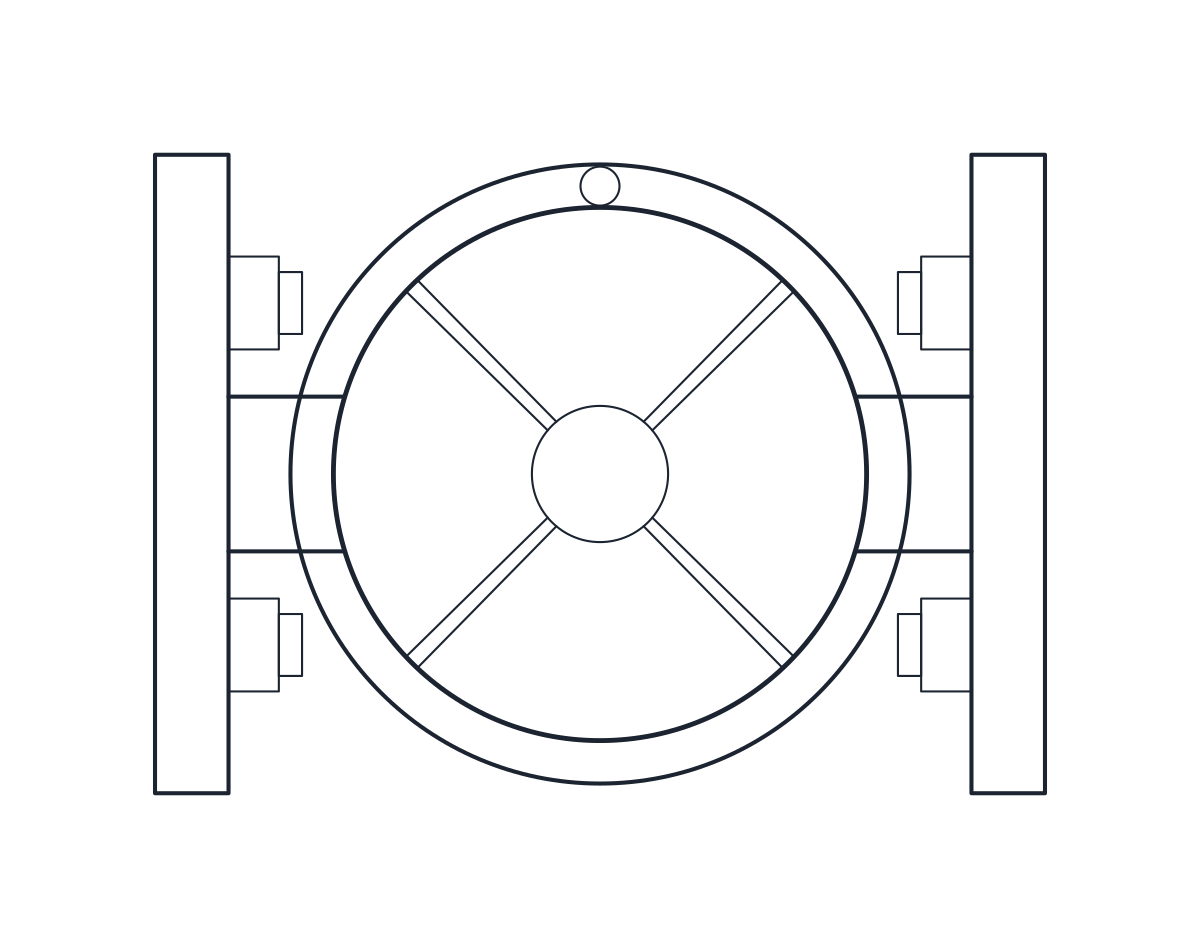 Valves Globe Valve CAD Block
-
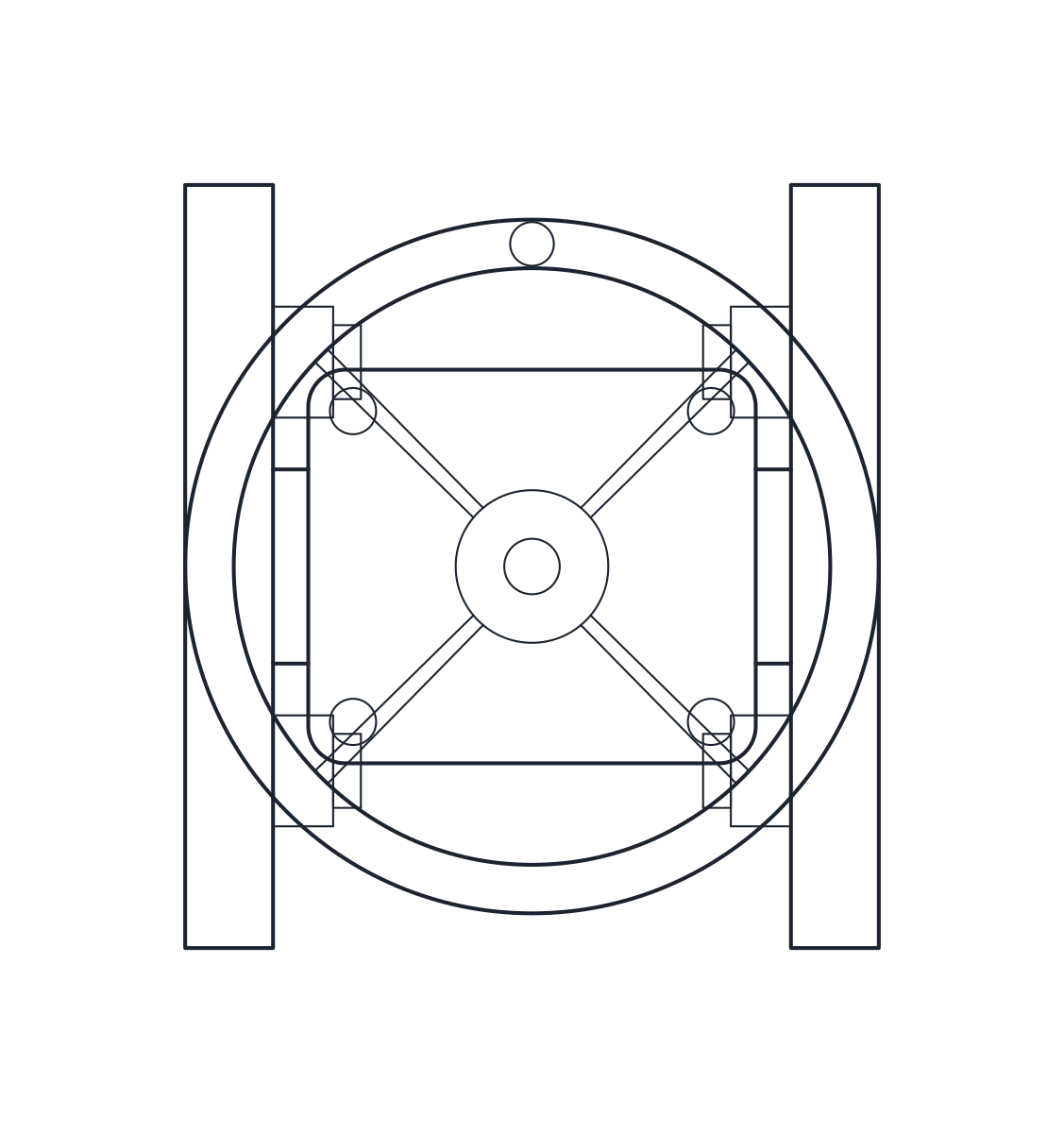 Valves Gate Valve CAD Block
-
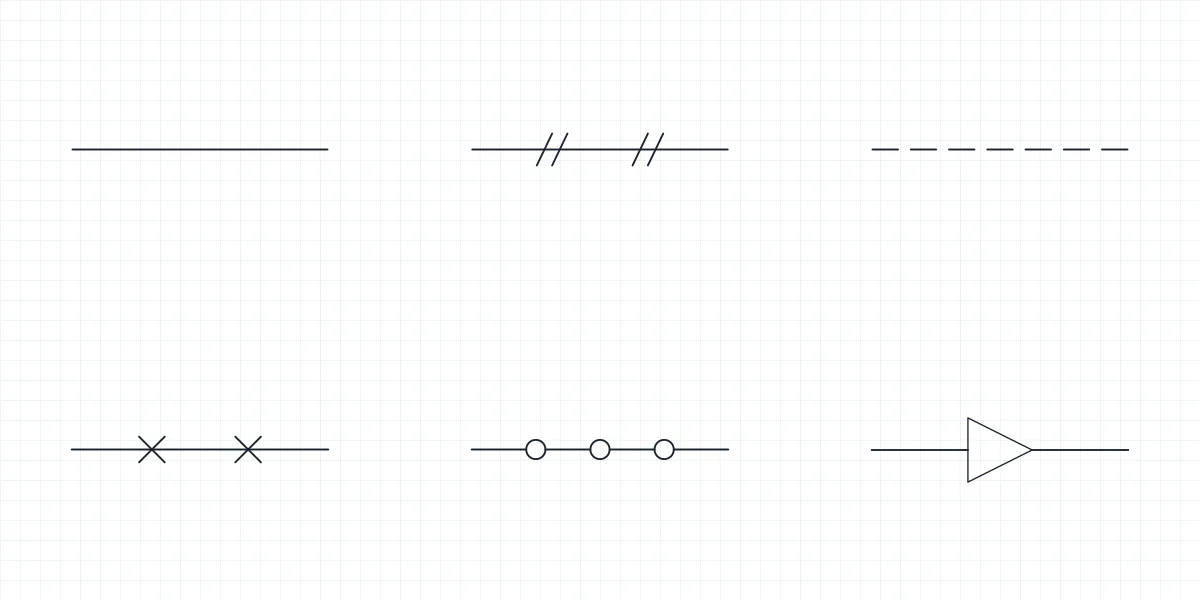 Symbols Piping Symbols
-
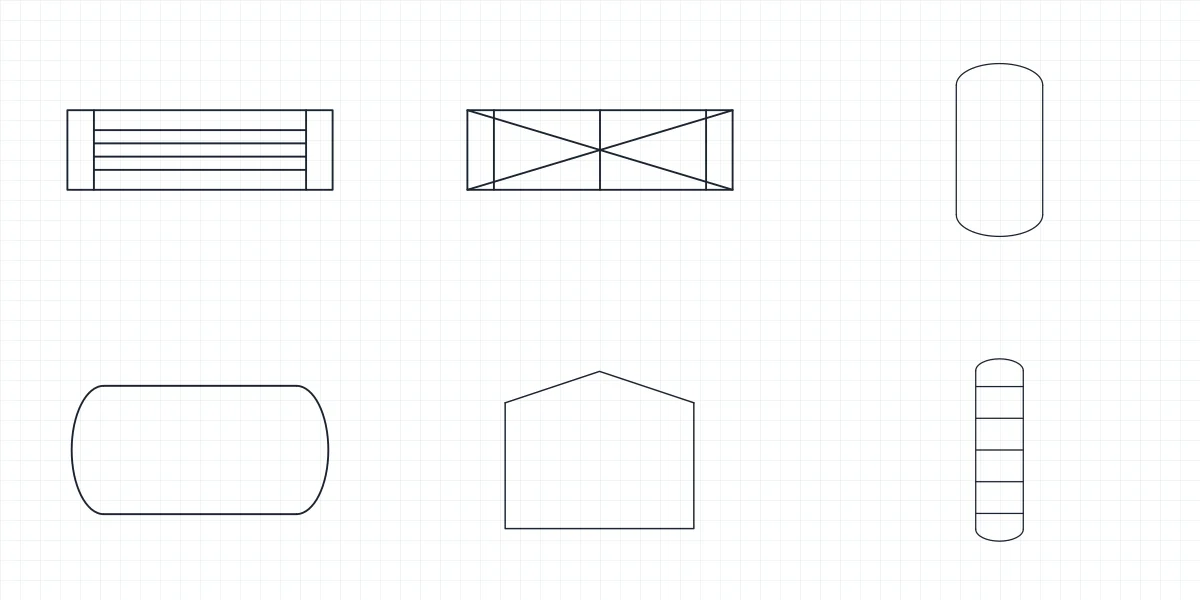 Symbols Heat Exchanger Symbol
-
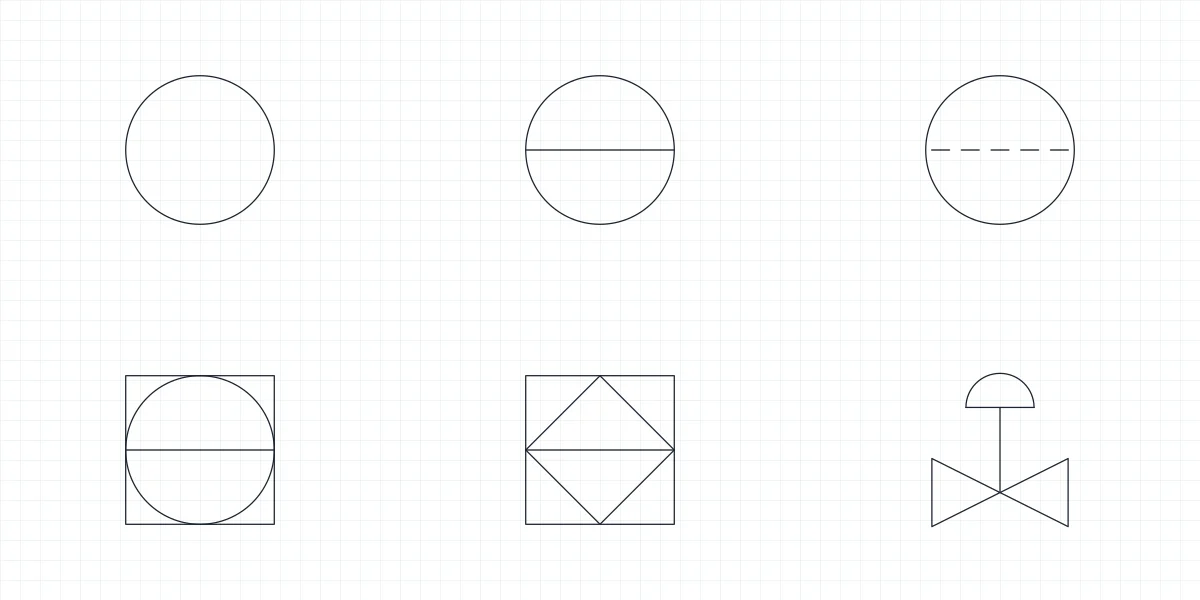 Symbols Instrumentation Symbols
-
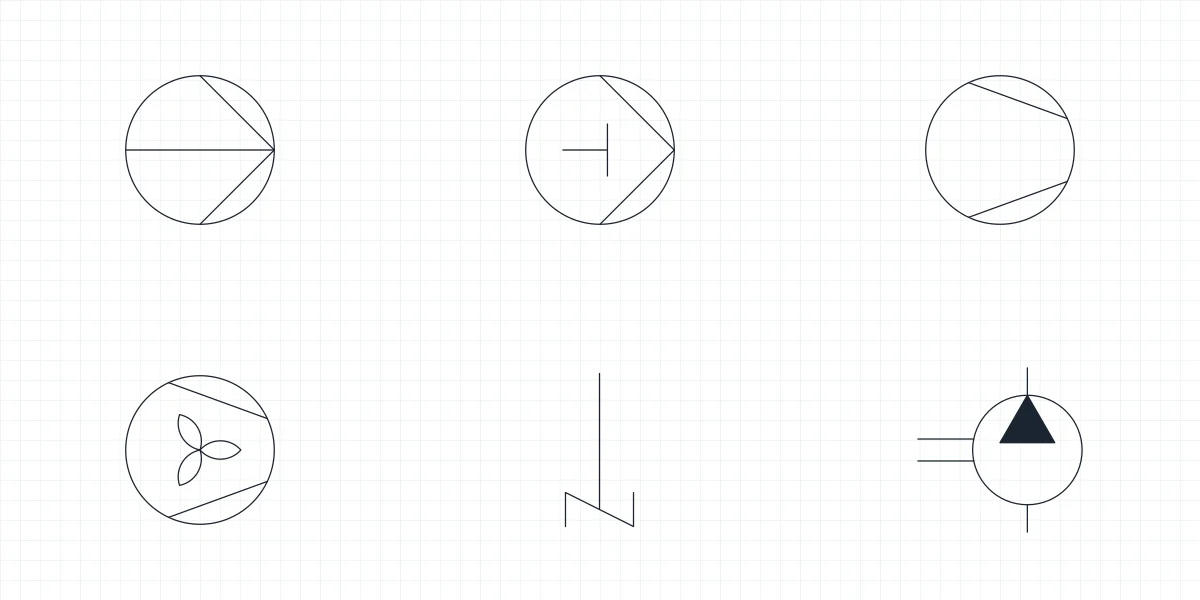 Symbols Pump Symbol
-
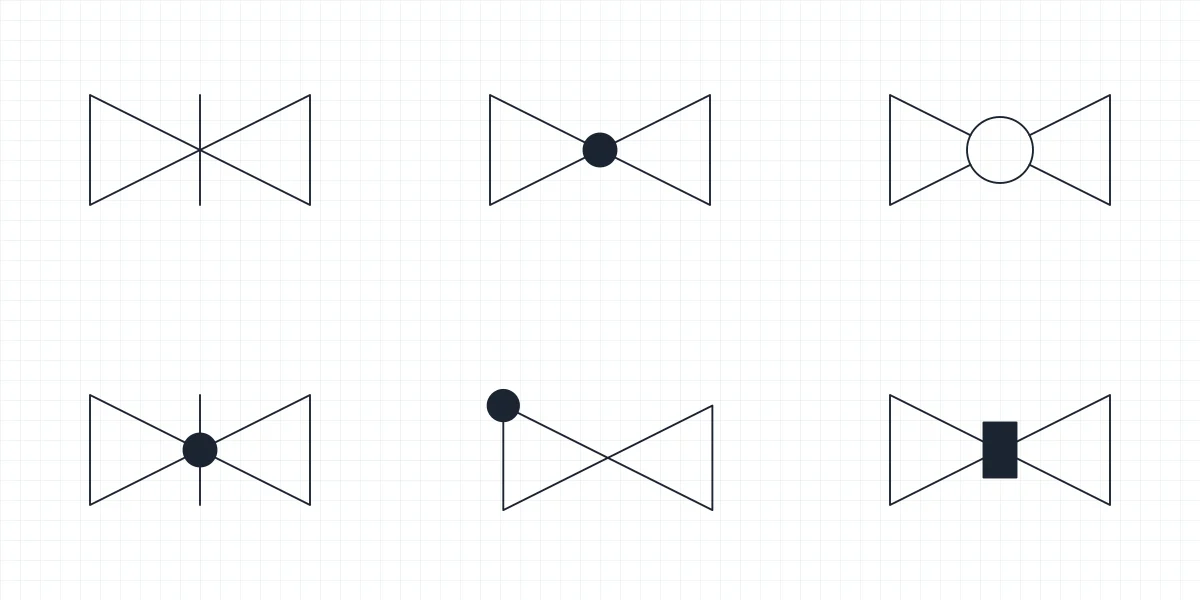 Symbols Valve Symbols
-
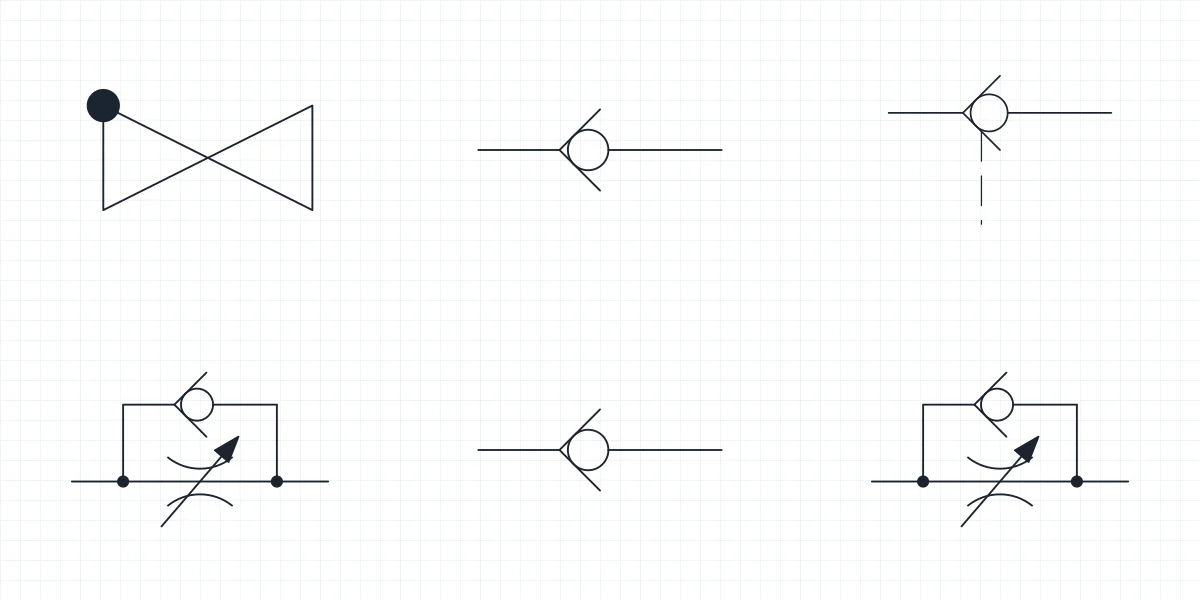 Symbols Check Valve Symbols
-
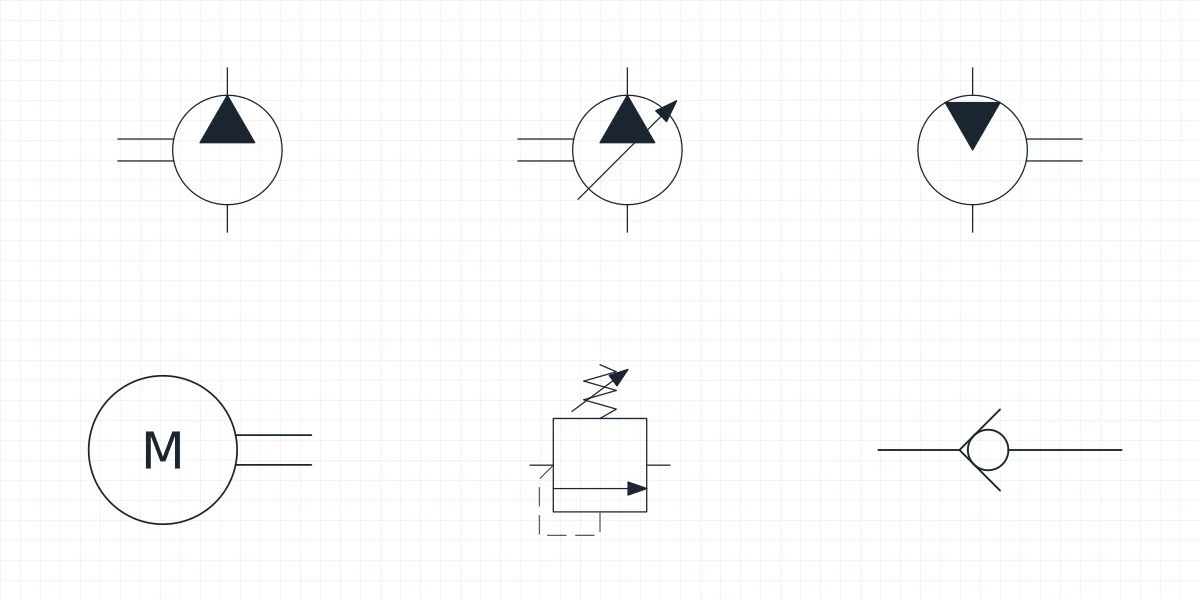 Symbols Hydraulic Pump Symbol
-
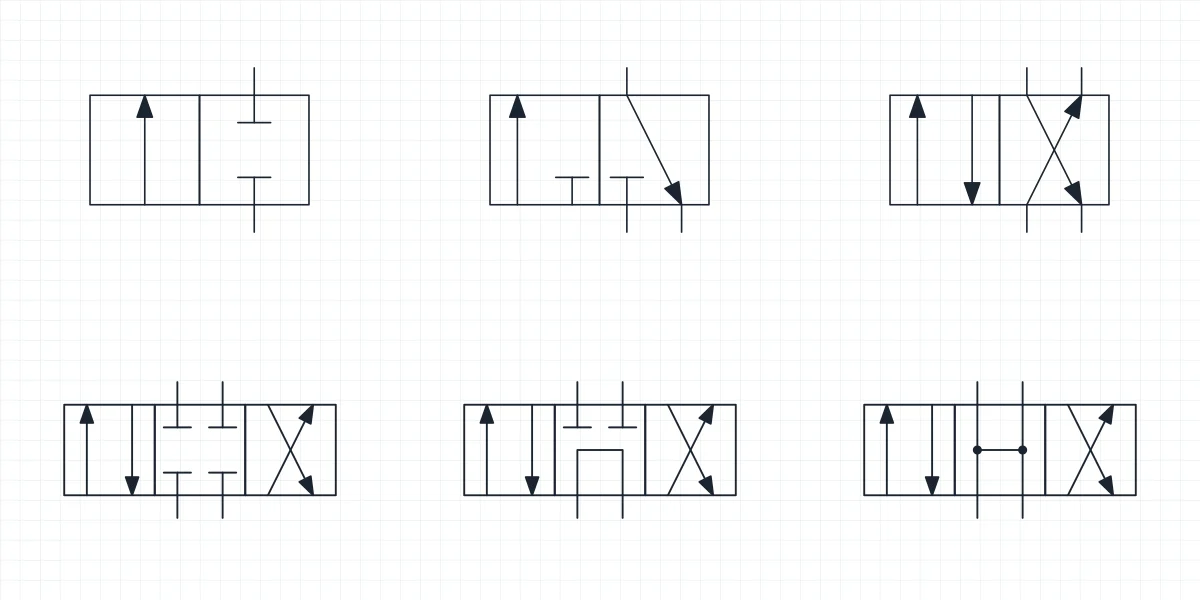 Symbols Directional Control Valve Symbols
-
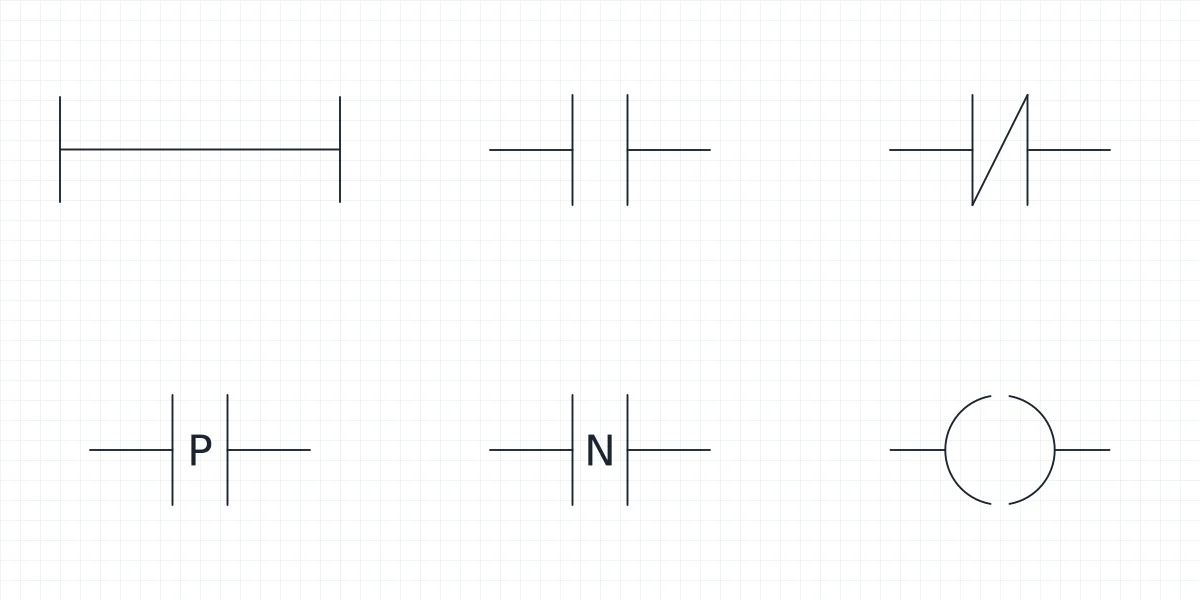 Symbols Ladder diagram symbols: IEC 61131-3 blocks for CAD
-
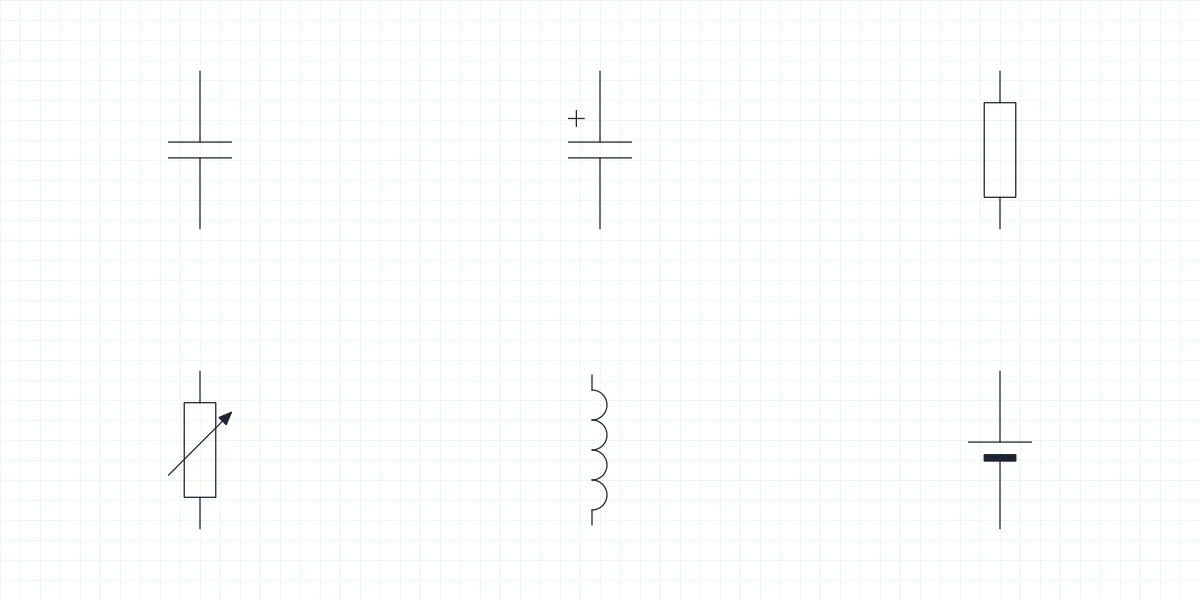 Symbols Capacitor symbol and component blocks for CAD
-
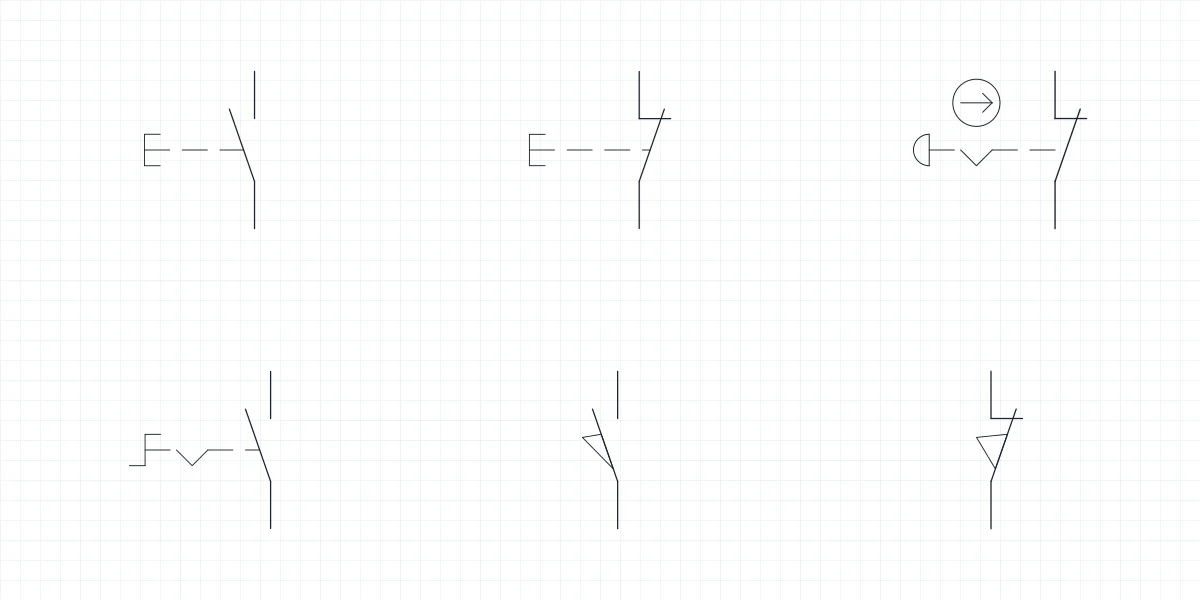 Symbols Push button symbol and emergency stop blocks for CAD
-
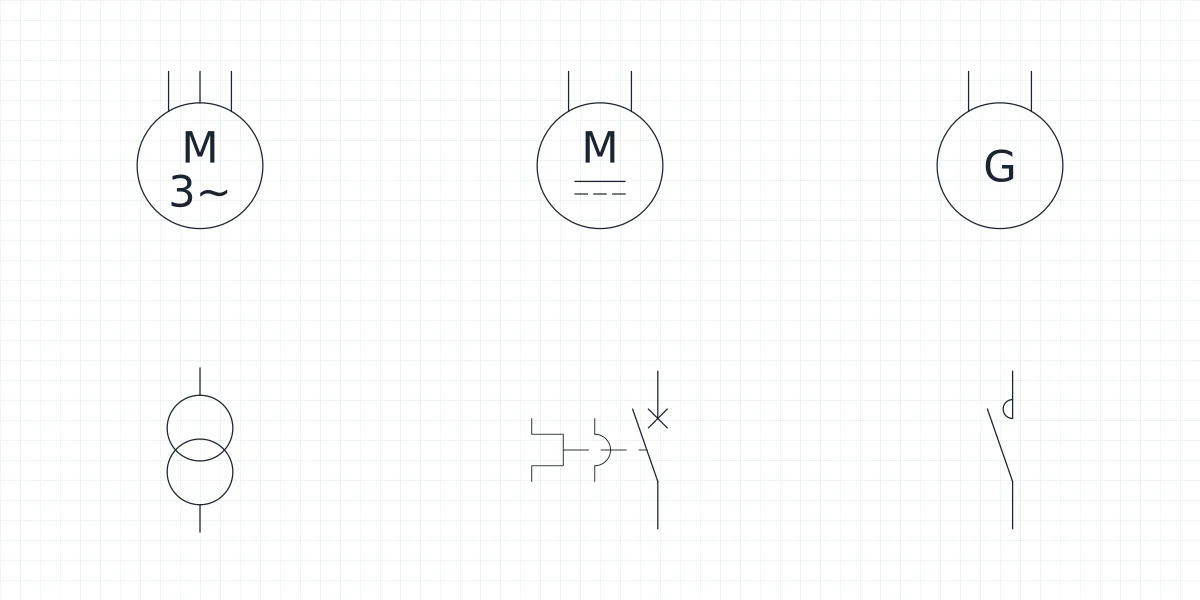 Symbols Motor symbol: three phase motor and transformer blocks
-
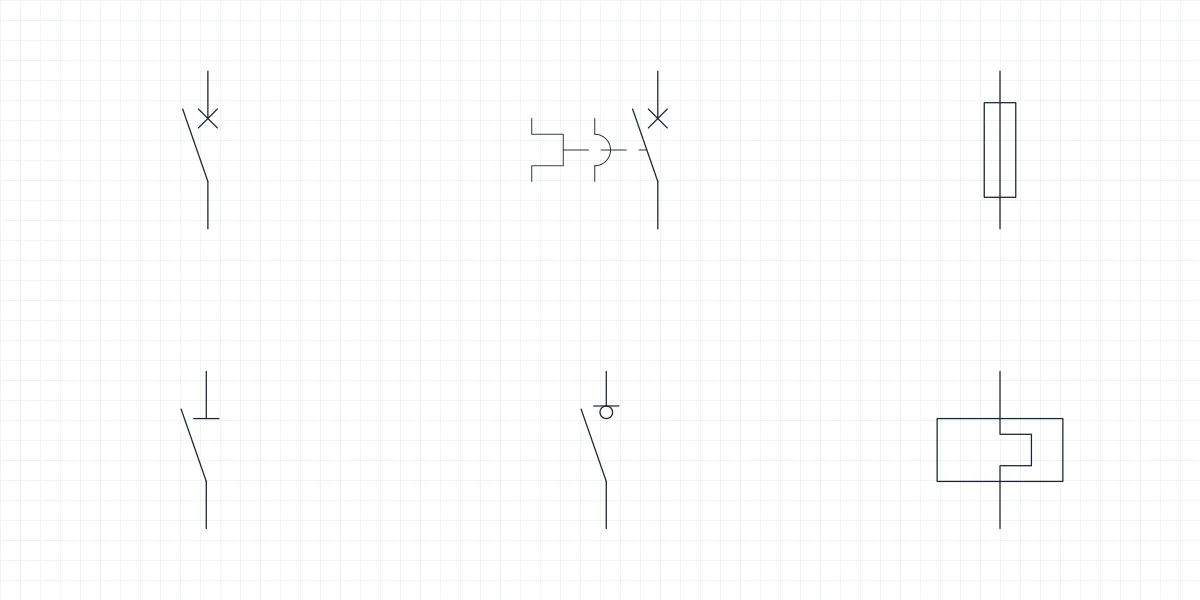 Symbols Circuit breaker symbol and fuse blocks for CAD
-
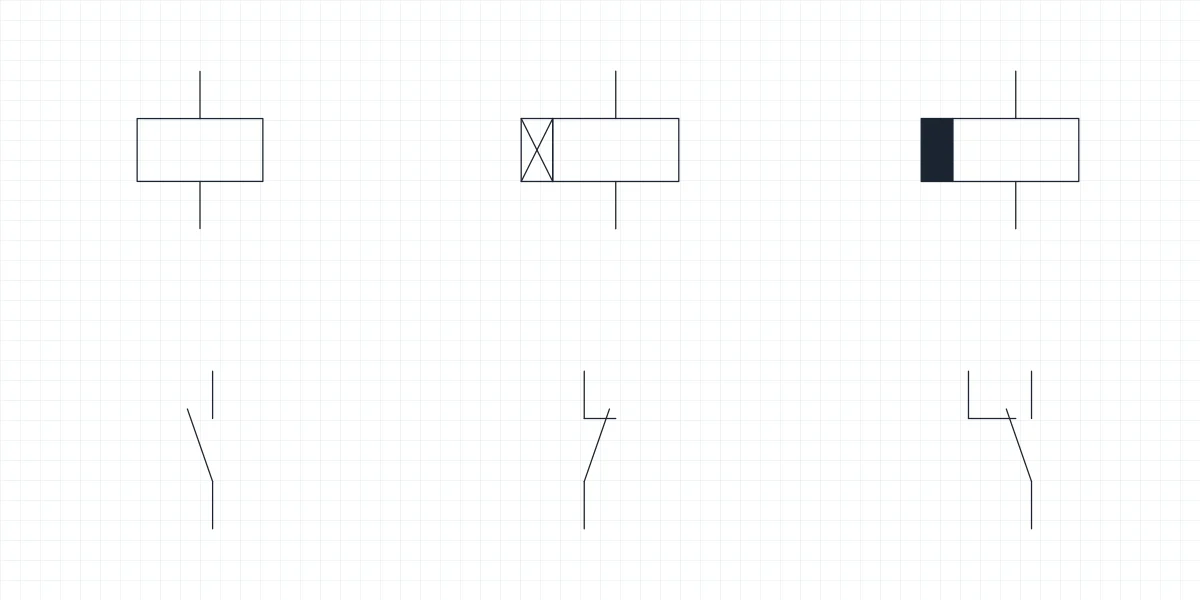 Symbols Relay symbol: coil, contact and timer blocks for CAD
-
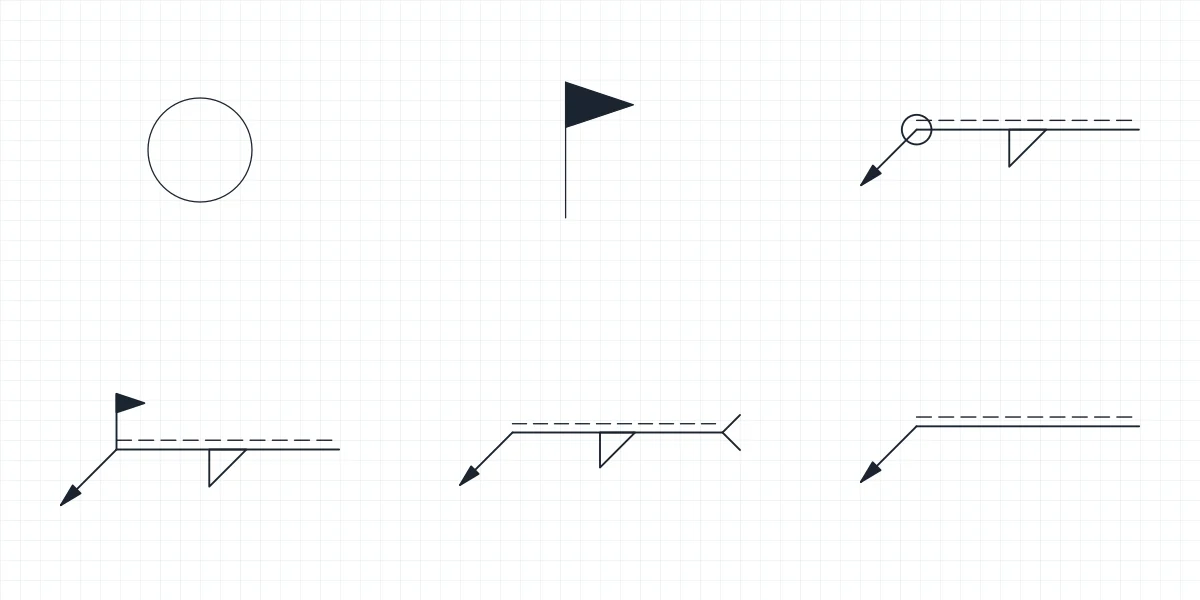 Symbols Weld all around symbol and field weld blocks
-
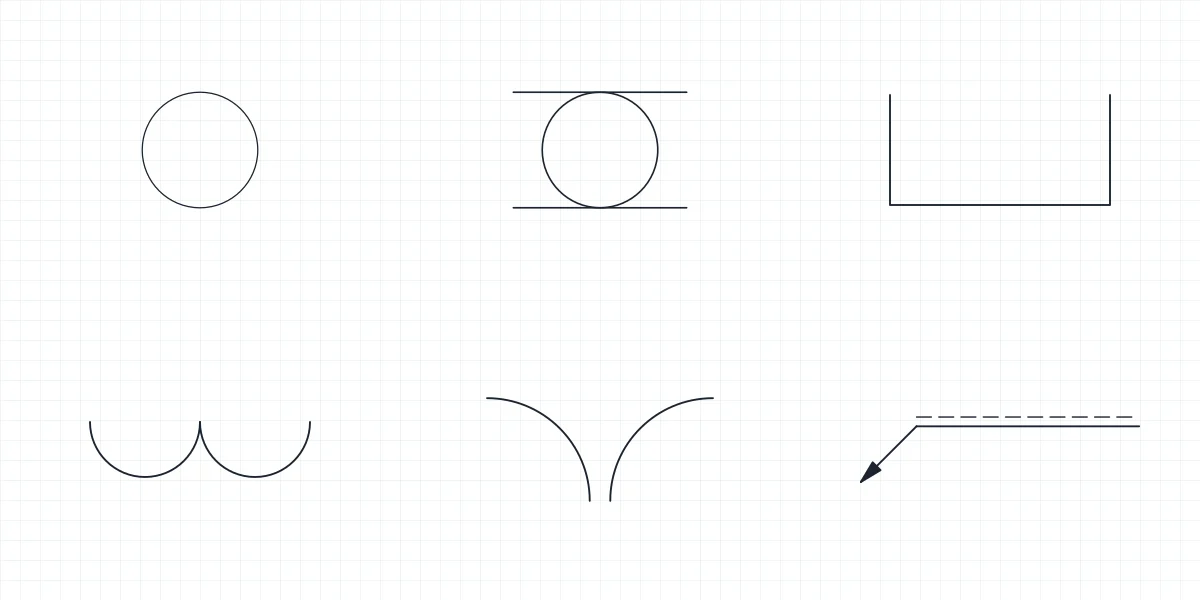 Symbols Spot weld symbol and seam weld blocks for CAD
-
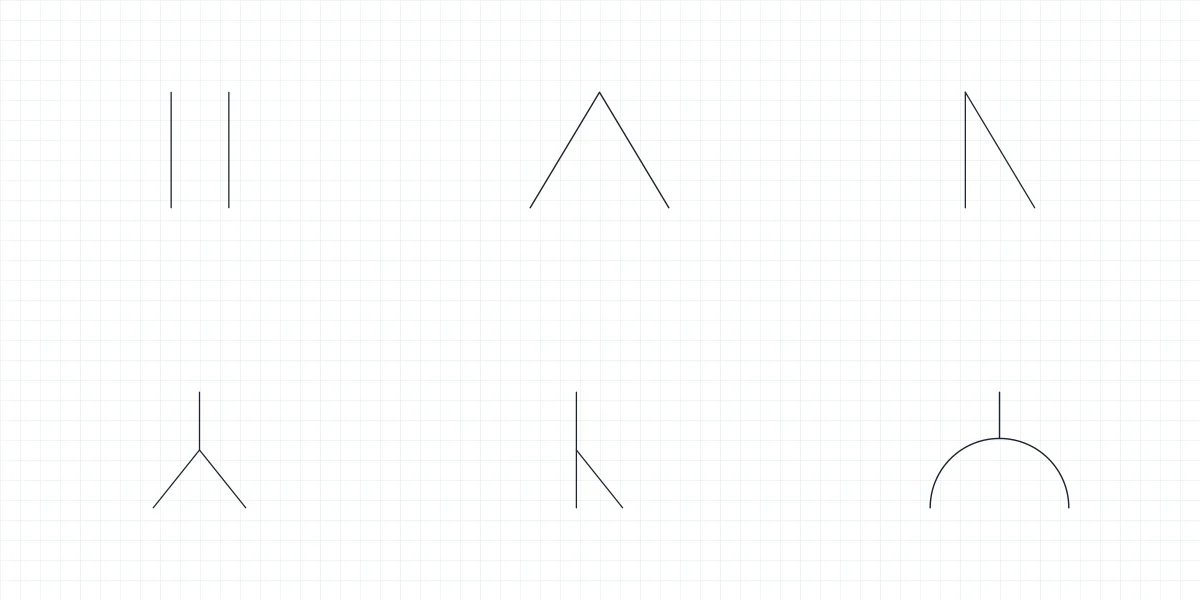 Symbols Groove weld symbols: butt weld blocks for CAD
-
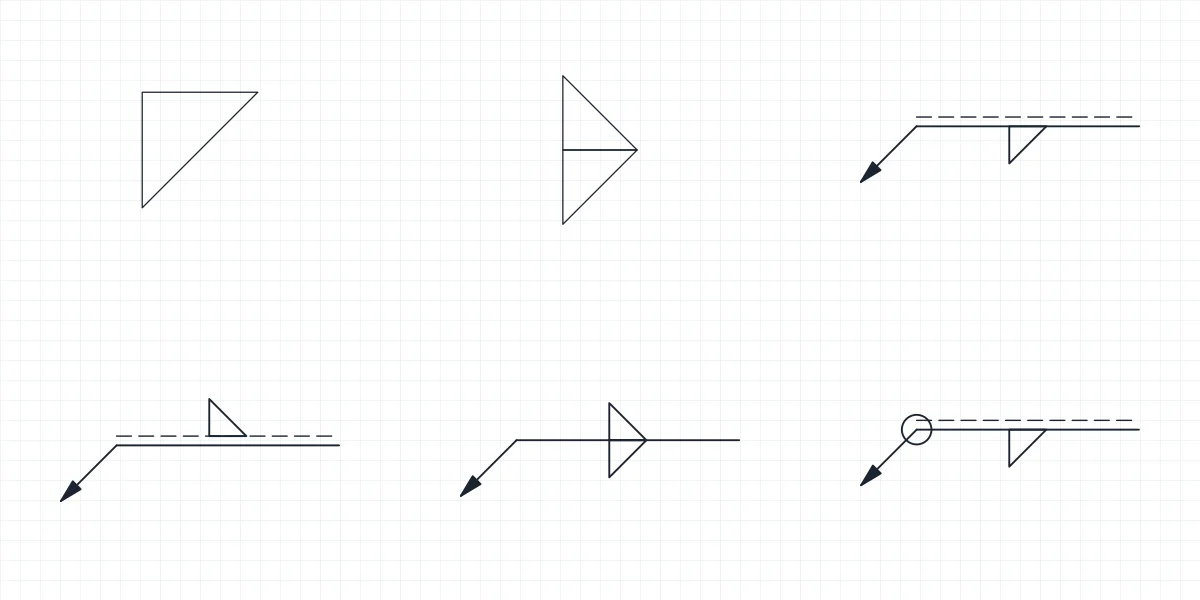 Symbols Fillet weld symbol: CAD blocks with a and z sizes
-
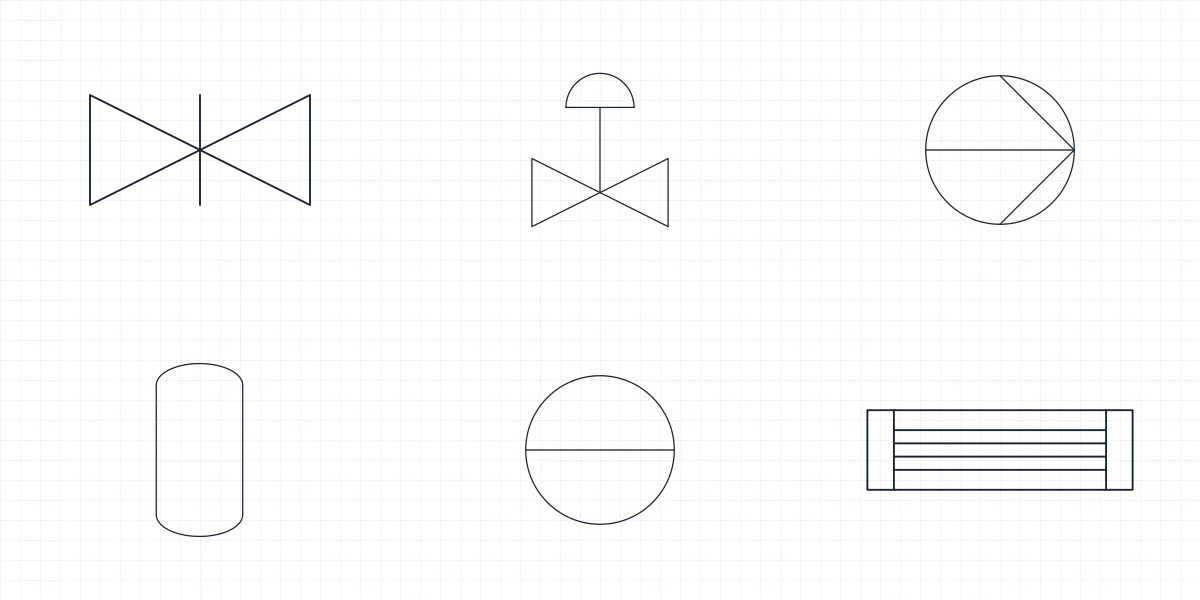 Symbols P&ID Symbols
-
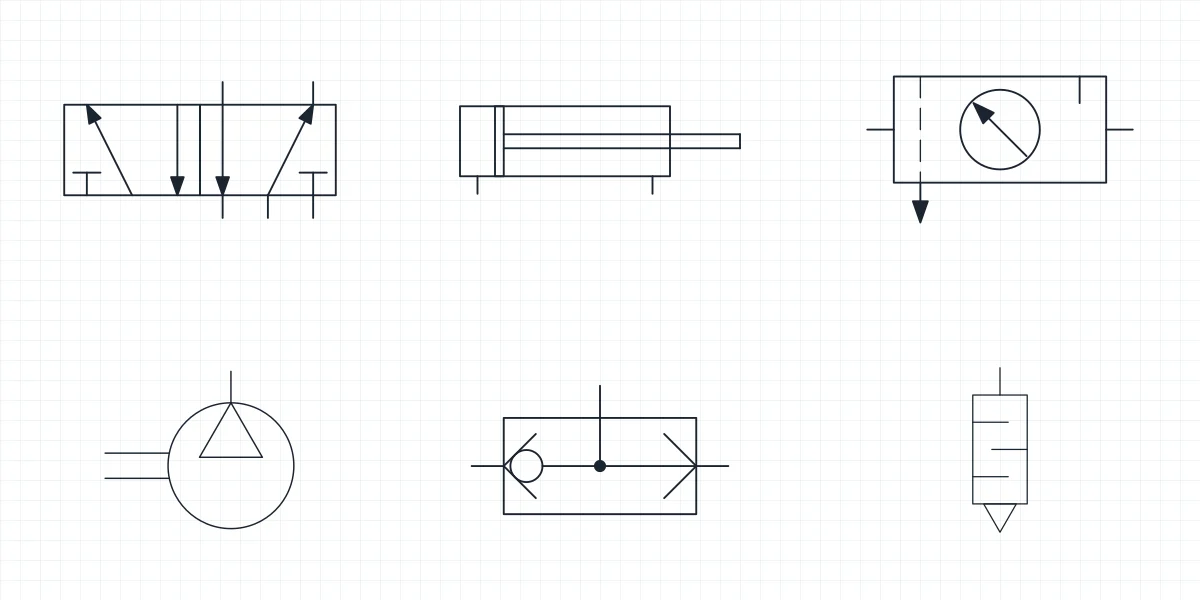 Symbols Pneumatic Symbols
-
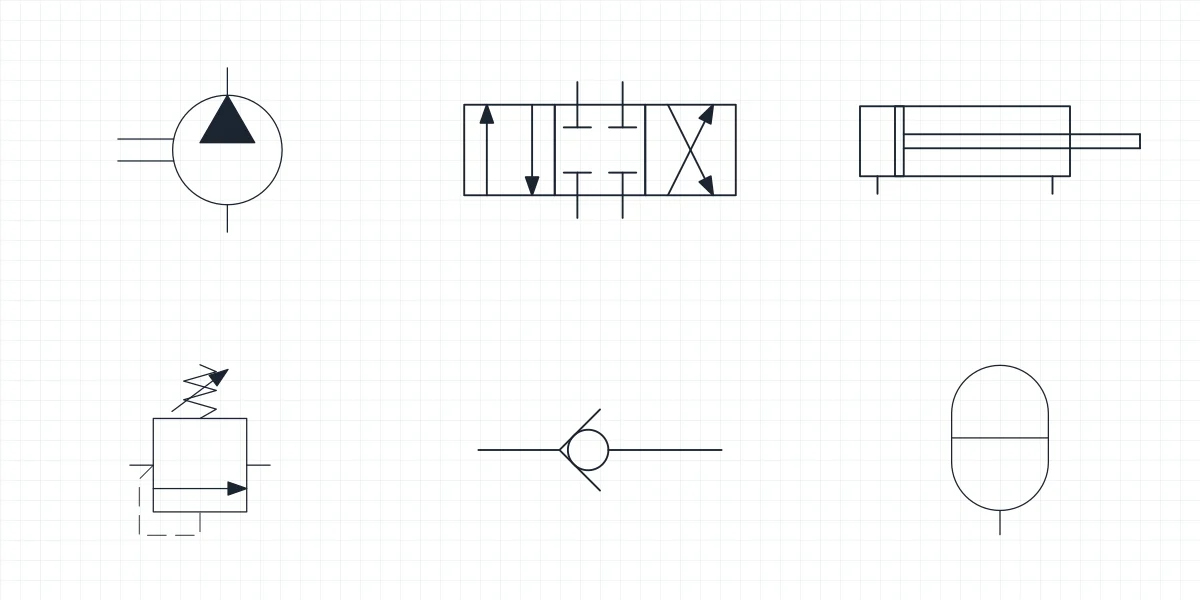 Symbols Hydraulic Symbols
-
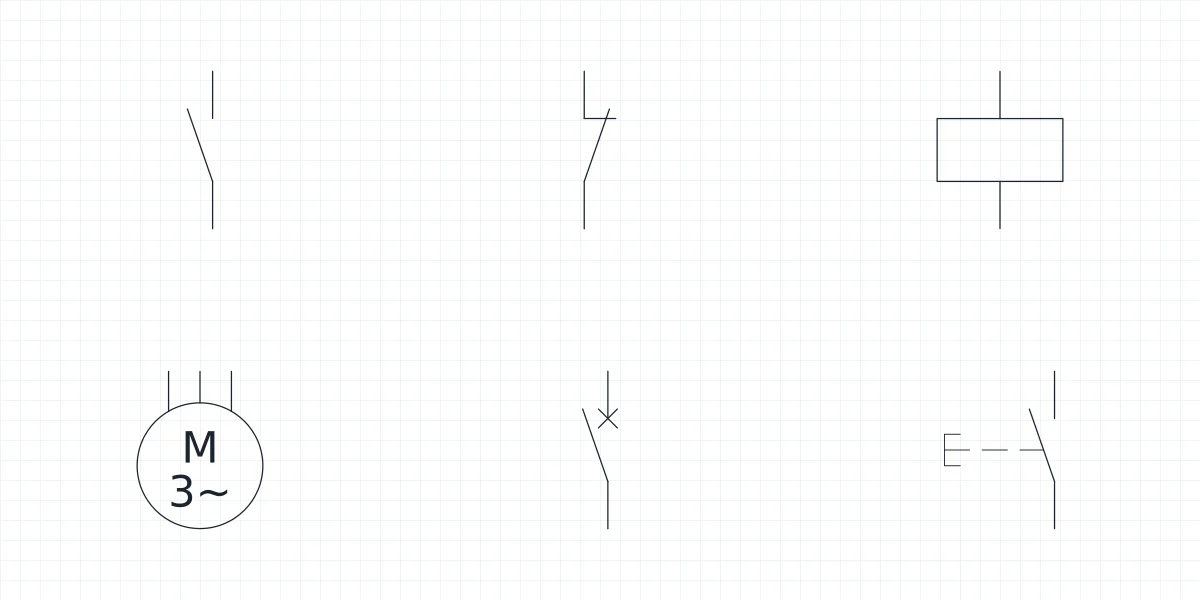 Symbols Electrical Schematic Symbols
- Symbols Welding Symbols
- 431 symbols as blocks
- 23 symbol libraries
- 11 languages
- 0 accounts needed
CAD symbols as blocks, not a picture of a chart
Most symbol references online are a table in an image or a PDF. They help you read a drawing, but you still have to redraw every symbol before you can use it. Here the chart and the file are the same thing: what you see on the page is rendered from the DXF you download.
The symbols are drawn at paper size on a 2.5 mm grid, so they sit at a consistent size in a schematic or on a sheet. Scale them on insert if your drawing uses another plot scale.
How to insert CAD symbols in AutoCAD
The same steps work in BricsCAD, ZWCAD and other programs that read DWG.
-
Download the DWG
Save the library file somewhere you keep your drawing standards, so every project can reach it.
-
Open DesignCenter
Type ADCENTER, browse to the library and open its Blocks entry. Every symbol appears with its name and a thumbnail.
-
Drag the symbol you need
Drag it into your drawing or double-click it to insert. The block keeps its name and layer, so it stays easy to select and count.
CAD symbols: common questions
-
Are the symbols free for commercial work?
Yes. You can use them in drawings you deliver to clients. What the license does not allow is publishing the files as a library on another site.
-
Do the symbols comply with the standard?
They are drawn following the published conventions of each standard, but we are not ISO, IEC or ISA and the files are not an official edition. If a contract names a standard, check the symbols against its current edition.
-
Why is there a PDF if I have the DWG?
The PDF is a sheet with every symbol and its name, meant to print, share with someone who has no CAD program or keep open next to the drawing.
-
Which CAD programs open the files?
The DWG opens in AutoCAD and AutoCAD LT 2010 or later, BricsCAD, ZWCAD and DraftSight. The DXF opens in most CAD programs, including LibreCAD, QCAD and FreeCAD.